How to Bhop CS2: Bunnyhop Commands and Movement Guide
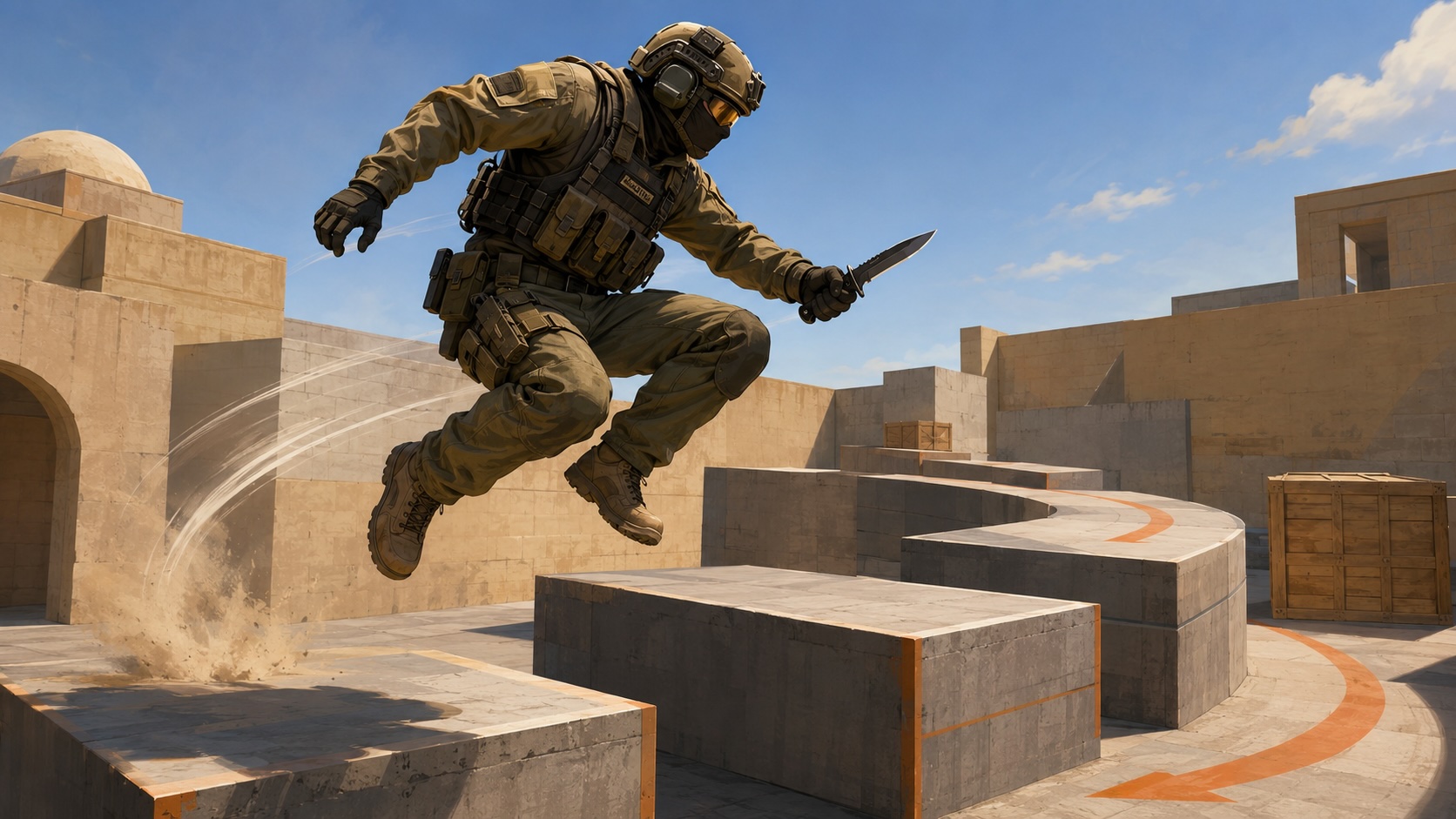
Learning how to Bhop CS2 won’t suddenly transform your aim, but it can make your movement cleaner and give you another tool to work with in both practice and competitive play.
Bunnyhopping has been part of Counter-Strike for more than two decades, surviving engine updates, new movement systems, and the transition to Counter-Strike 2. While today’s mechanics are much stricter than they once were, mastering bunnyhops is still one of the best ways to improve movement control.
What Is CS2 Bhop?
In Counter-Strike, bunnyhopping means a movement technique that chains together consecutive jumps while maintaining as much momentum as possible. Instead of landing, stopping, and jumping again, the player lands and immediately takes off while combining each jump with smooth mouse control and air strafing.
Earlier Counter-Strike titles allowed experienced players to build enormous speed through perfect execution. Valve has significantly reduced that potential over the years, and bunnyhop CS2 is no longer about flying across the map at impossible speeds. Even so, players who time their jumps correctly can still move more efficiently than those relying on standard running alone.
Three elements determine whether a bunnyhop chain succeeds:
- jumping immediately after landing;
- synchronizing mouse movement with A and D strafes while airborne;
- avoiding unnecessary forward corrections that reduce momentum.
Unlike scripted movement in other shooters, CS2 Bunny hop depends almost entirely on timing. Missing a jump or mistiming a strafe quickly kills your speed, which is why even professional players fail long bunnyhop chains more often than many people expect.
The biggest benefit of bunnyhopping isn’t raw movement speed. It improves overall movement control, helps players stay unpredictable during repositioning, and develops better air strafing fundamentals that carry over into everyday gameplay. Those same mechanics become useful when navigating KZ courses, movement maps, or recovering after wide swings during competitive matches.
Although bunnyhopping remains a popular skill, it’s important to keep expectations realistic. Counter-Strike 2 intentionally limits how much speed players can gain from consecutive jumps, so consistency matters far more than trying to recreate the movement seen in older Counter-Strike videos.

How to Bunnyhop CS2
The easiest way to practice bunnyhopping is on a private server where movement restrictions are removed. This lets you focus on timing and air strafing before trying to apply the technique in normal matches.
If you’re wondering how to enable Bhop in CS2, start by turning on the developer console in the game settings. Create a private lobby, open the console with the tilde (~) key, and enter the commands below.
Basic practice setup
sv_cheats 1
sv_infinite_ammo 1
mp_roundtime_defuse 60
mp_roundtime_hostage 60
mp_restartgame 1
These commands don’t affect bunnyhopping directly, but they create a server where you can practice without worrying about the round timer or restarting every few minutes.
CS2 Bhop commands
To remove the built-in speed cap that normally interrupts long bunnyhop chains, use:
sv_enablebunnyhopping 1
Then raise the movement limit with:
sv_autobunnyhopping 1
Used together, these CS2 Bhop commands remove most of the default movement restrictions, creating the standard setup for offline bunnyhop practice. They allow you to concentrate on movement instead of fighting the game’s default restrictions.
Many players also refer to sv_enablebunnyhopping 1 as the primary CS2 bunny hop command, since it unlocks the movement settings required for dedicated bhop maps and training servers.
Auto bunnyhop
Players who want to focus on air strafing first can enable automatic bunnyhopping with:
sv_autobunnyhopping 1
This auto Bhop command CS2 performs the jump timing automatically while you hold the jump key, allowing you to focus entirely on strafing and mouse control. It’s an excellent training tool, although it isn’t available on official matchmaking servers.
If you’re experimenting with movement commands, you may also want to learn how to fly in CS2, since noclip makes it much easier to move around practice maps, reset difficult sections, and test jump routes without restarting every attempt.
These commands work only on servers where cheats are enabled. Competitive matchmaking, Premier, and FACEIT use Valve’s default movement rules, so bunnyhopping there always relies on player input rather than console commands.
How to Bhop CS2
Can you Bhop in CS2? You can, but not in the same way as in older Counter-Strike titles. Valve’s movement system places much tighter limits on speed gain, so consistent bunnyhopping depends on precise jump timing and clean air strafing rather than simply chaining together as many jumps as possible.
A standard bunnyhop follows this sequence:
- Build speed by running forward.
- Jump once and release the W key while you’re in the air.
- Use A or D to strafe, moving your mouse smoothly in the same direction.
- Press jump again the instant you touch the ground.
- Repeat the same movement pattern with each jump.
Most beginners keep holding W throughout the jump sequence. Forward movement limits your air control, while clean bunnyhops rely on coordinated strafes and gentle mouse movement instead. Oversteering has a similar effect – it forces unnecessary corrections and quickly drains momentum.
Bind jump to the mouse wheel
Most experienced players don’t bunnyhop with the spacebar. Instead, they bind jump to the mouse wheel because it creates multiple jump inputs with a single scroll, making precise timing much easier.
Use one of these console commands:
bind mwheeldown +jump
or
bind mwheelup +jump
Some players keep the spacebar as a secondary jump key while using the mouse wheel for movement practice. There’s no universally “correct” setup – the goal is to find a bind that lets you repeat jumps consistently.
If you’re looking for a practical CS2 Bhop tutorial, don’t focus on chaining dozens of perfect jumps from the start. Practice maintaining momentum through two or three clean hops before trying longer sequences. Once the timing becomes automatic, extending those chains gets much easier.
Repeating the same movement hundreds of times is still the quickest way to build reliable timing. Spend time on dedicated movement maps, pay attention to your strafes rather than your speed, and accept that missed jumps are part of the learning process. Even highly skilled movement players don’t land every bunnyhop chain, especially under match pressure.

Where Is Bunnyhop Used in CS2?
Most players first associate CS2 Bhop with community movement servers, but that’s only one part of the picture. Bunnyhopping is widely used as a training tool because it develops air control, movement precision, and timing – skills that transfer to almost every aspect of Counter-Strike.
Dedicated CS2 Bhop maps are the most common place to practice. Instead of fighting opponents, players work through obstacle courses that require accurate jumps, smooth strafes, and consistent momentum. Many maps gradually increase in difficulty, making them suitable for both beginners learning the basics and experienced movement players chasing faster completion times.
Another popular option is Bhop servers CS2, where movement settings are configured specifically for bunnyhopping. Unlike standard matchmaking, these servers often remove or relax Valve’s default speed restrictions, allowing players to complete much longer jump chains while competing for the fastest times on each course.
Outside of movement maps, bunnyhopping still has practical value in regular matches, although its role is much smaller. Players occasionally use a single well-timed hop to carry momentum around a corner, reposition after taking a duel, or make their movement slightly less predictable. It should be viewed as a situational technique rather than a replacement for solid positioning and crosshair placement.
The mechanic also has clear limitations. Official matchmaking, Premier, and FACEIT all use Valve’s default movement settings, which prevent players from gaining the extreme speed seen on custom servers. Even perfect execution won’t let you fly across the map the way older Counter-Strike videos sometimes suggest.
Bunnyhopping is best treated as a supporting skill rather than a shortcut to better results. Strong positioning, utility usage, communication, and decision-making will always matter more than movement alone. Once those fundamentals are in place, cleaner mechanics make it easier to rank up in Faceit, giving you an extra edge in situations where efficient movement can make the difference.
Bunnyhopping remains one of Counter-Strike’s most recognizable mechanics. It’s rewarding to learn, satisfying to master, and still useful in the right situations – even if modern CS2 demands much more precision than earlier versions of the game.
Articles by this author