


 Boost rating


 In-game currency


 Perplexity
 ChatGPT
 Grok
Grok
 Claude
 Post on Reddit
Best Valorant Crosshairs for Different Playstyles
There is no universal best Valorant crosshair, because players approach gunfights in very different ways. Some rely on clean first-bullet accuracy, others prefer fast entry duels or controlled sprays at close range. A crosshair that works perfectly for one playstyle can easily become a limitation for another.
Players focused on headshot precision usually gravitate toward static crosshair settings with minimal size and spacing, while more aggressive duelists often choose slightly larger inner lines for better visibility during quick peeks. If you want to climb ranks faster while playing with optimized settings, consider professional Valorant Boosting.
Key Elements That Define a Good Crosshair
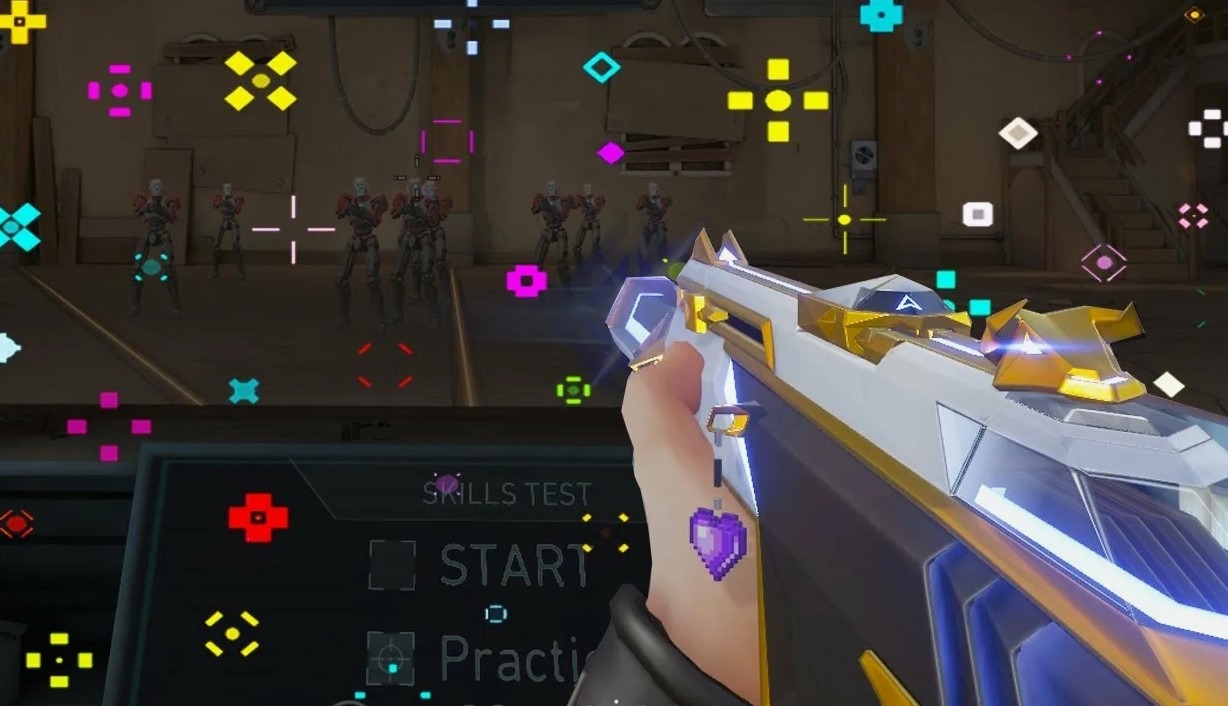
A good Valorant crosshair is defined by clarity and consistency rather than visual complexity. Crosshair color plays a major role here — cyan and green remain the most reliable options because they stay visible across all maps and lighting conditions without blending into the environment.
Line length, thickness, and spacing directly affect precision and comfort. Short inner lines with moderate thickness allow accurate head-level placement, while oversized crosshairs or heavy outlines tend to block targets. Most competitive players avoid movement error and firing error indicators, preferring static crosshair settings that reinforce muscle memory instead of reacting to animations.
A Solid Baseline Crosshair Setup
A clean baseline setup is where most high-ranked and professional players begin. Instead of complex shapes or dynamic effects, the focus is on a simple, readable Valorant crosshair setup that stays consistent in every situation. Based on common competitive configurations, a strong baseline usually looks like this:
Crosshair color: Cyan or Green for maximum visibility
Inner lines: Enabled, short length with controlled thickness
Movement error: Off
Firing error: Off
Outer lines: Disabled entirely
This approach removes unnecessary visual noise and keeps the center of the screen clear during fights. Disabling outer lines is especially common, as they add little value and can interfere with tracking and recoil control.
A baseline Valorant crosshair like this performs well across different maps and weapons, making it ideal for ranked play. From this point, small adjustments — such as slightly increasing line thickness or adding a subtle center dot — can be made without breaking muscle memory or aim consistency.
Pro Player Valorant Crosshair Codes You Can Test Instantly
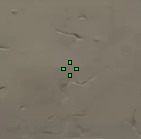
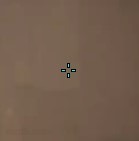
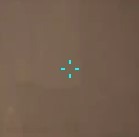
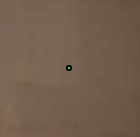
If you want a fast, reliable baseline, importing a pro profile is the quickest way to get a clean, competition ready reticle without guessing every slider. The codes below are copy paste ready and come straight from the examples you provided.
Valorant Crosshair Codes

More Pro Codes to Try
How to Choose Fast Without Overthinking
Start with one tight static profile and one slightly more open profile, then compare them in the same warm up routine.
Keep your colour high contrast and avoid blending into the map.
Do not force a profile for a week just because a pro uses it; if it feels visually noisy or hard to track, swap immediately.
Crosshairs Designed for Fun
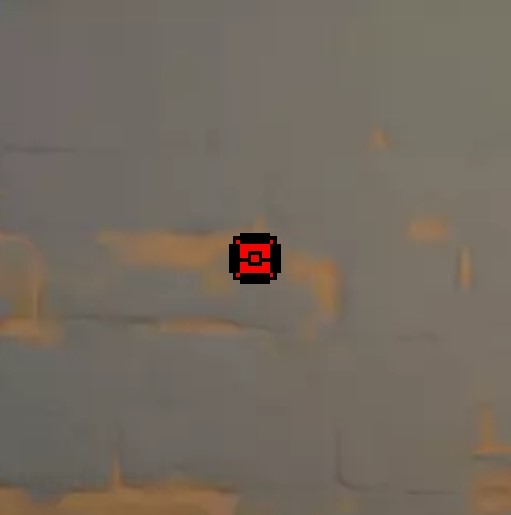
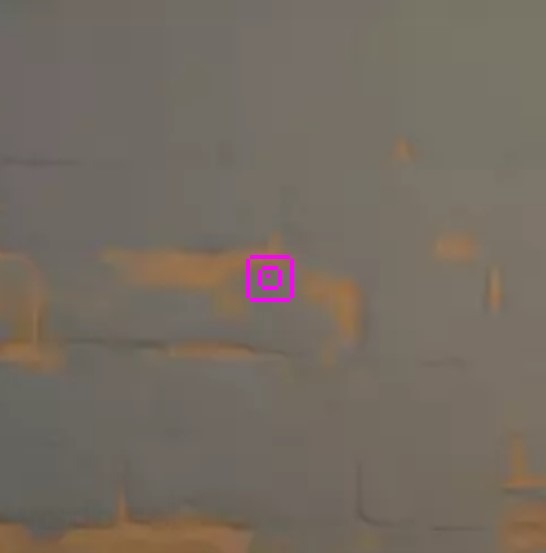
Not every reticle has to be strictly utilitarian. Funny profiles are great for Swiftplay, customs, or just resetting your mental before ranked. The codes below are taken from your example list and are ready to import.
Fun Crosshair Code Table
Where These Work Best
Swiftplay and Unrated when you want visibility and humour over precision.
The Range for warm ups, especially if you are experimenting with centre focus and line spacing.
Customs with friends where readability matters less than style.
How to Import, Export, and Manage Valorant Crosshair Profiles Efficiently
Valorant makes crosshair profiles easy to move between accounts and share with teammates, but it helps to treat them like presets you curate rather than a messy pile you never revisit.
Import a Crosshair Code
Open the main menu and go to Settings.
Open the Crosshair settings.
Choose Import Profile.
Paste a crosshair code into the field.
Confirm import and name the profile so you can find it fast later.
Export Your Current Profile in Valorant
Use Export Profile to copy your active crosshair to your clipboard, then paste it wherever you store your presets or share it with friends. You can keep up to 15 imported crosshair codes at once, so good organisation matters. A simple naming system that stays readable: A practical way to rotate profiles without wasting slots:
Keep 2 competitive reticles: one ultra clean, one slightly larger for clarity.
Keep 1 fun reticle for casual modes.
Keep 1 experimental slot that you overwrite anytime you test a new code.
Delete anything you have not used in two sessions so you do not hit the 15 profile ceiling.
Quick Notes on What to Tweak After Import
Based on the settings categories described in your text, the usual fine tuning after importing is:
Colour for contrast.
Thickness and outlines if the lines disappear on bright or busy backgrounds.
Centre dot on or off depending on whether you want a single reference point or a cleaner open centre.
Dynamic versus static depending on whether you prefer feedback while moving or a fixed reticle for precision.
Crosshair vs Weapon Behaviour
Different Valorant weapons reward different levels of visual simplicity. Your crosshair should help you confirm the first bullet and follow the target, not distract you while the gun is doing its own thing.
Rifles and Precision Focus
Rifles reward clean head level placement and short, controlled bursts. A tight, static crosshair usually feels best here because it keeps your attention on the centre point and makes micro corrections clearer. When you are taking medium range duels, the less visual clutter you have around the head, the easier it is to confirm that you are truly on target.
Pistols and Tap Discipline
With pistols, the goal is often crisp taps and quick re centring. A minimal crosshair helps you avoid over adjusting between shots. If your reticle is too thick or busy, it can hide the exact point you are trying to place on the head, especially when you are playing fast.
Shotguns and Close Range Tracking
At close range, readability matters more than tiny precision. Some players prefer a slightly more visible crosshair so it is easier to keep centred while moving and clearing corners. The key is still clarity, but you can afford a touch more visibility because your fights are shorter and closer.
Scoped and Aim Down Sights Use
Valorant lets you customise profiles for scoped weapons and ADS. If you use these regularly, keep the design consistent with your primary crosshair so your eyes do not need to re learn the centre reference point when you swap weapons.
Static or Dynamic: When to Choose Each
There is no universal winner here, but each style solves a different problem. In Valorant the best choice depends on how you learn and what you want your reticle to communicate.
When Static Makes More Sense
Choose a static Valorant crosshair when you want the cleanest view of your target and the most reliable centre point. It is usually preferred for players focused on first bullet accuracy, tapping, and tight bursts. Static profiles also tend to feel calmer in tense duels because nothing is changing on screen besides your aim.
When Dynamic Can Actually Help
Choose a dynamic crosshair when you want feedback while you are still building fundamentals. Expansion can highlight when you are moving while shooting or spraying too long. For newer players, that visual cue can reinforce better habits, especially if you are practising spray control and timing.
If your reticle movement distracts you, go static. If you genuinely benefit from seeing your accuracy feedback while learning, try dynamic, but keep the design clean so the expansion does not turn into visual noise.
Common Crosshair Mistakes
Even when players copy a Valorant pro code, they often unknowingly undo the benefits with small changes that hurt clarity or consistency. These are the problems that show up most often when people say their aim feels inconsistent.
Choosing A Colour That Blends In: A crosshair colour that disappears on bright walls or certain agent utility is a silent aim killer, so keep crosshair colour high contrast so your eyes never search for the centre point during a fight.
Over Designing The Reticle: It is easy to add outlines, dots, extra thickness, and longer lines until the crosshair becomes the most dominant object on your screen, which creates clutter over the head and makes tracking feel messy, so aim for readability rather than decoration unless you are deliberately using a fun profile.
Using Dynamic When You Actually Want Precision: Dynamic settings can teach timing and movement discipline, but if your goal is clean taps and controlled bursts, a static crosshair usually makes it easier to read placement without the expansion animation pulling your attention.
Constantly Switching Every Match: Swapping profiles after one bad game makes it hard to build consistency, so keep one main crosshair profile, test it in a controlled routine, and tweak gradually, only switching immediately if you cannot see it clearly or it feels genuinely distracting.
Copying A Pro Code Without Testing It Properly: Importing is only step one, so warm up with the profile in The Range and then try it in real matches, because a pro code is a strong baseline, not a guarantee.
Final Thoughts
The best Valorant crosshair settings are the ones you can see instantly, understand at a glance, and trust under pressure. Pro codes are a smart shortcut because they are already battle tested, but your job is to make the reticle feel natural in your own hands, on your own setup. Start with a clean baseline, practise in The Range and real matches, and only adjust one setting at a time. When your crosshair feels effortless to track and your sensitivity feels controlled in micro corrections, you will notice it immediately in duels, especially in those tight 1v1 moments.
More to read


WoW Patch 12.0.5 – Key Features, Class Changes, and What to Expect
WoW Patch 12.0.5 brings Void Assaults, the Voidforge system, class changes, and new activities. Learn how this World of Warcraft update reshapes gearing, gameplay, and the meta.

Dota 2 Patch 7.41: Why Valve Removed Aspects and What It Means for the Game
Dota 2 Patch 7.41 removes aspects, reshaping hero balance, drafting, and gameplay flow. Learn what changed, why Valve did it, and how the new Dota 2 meta works.


Fortnite Cheat Codes & Console Commands (2026): What Actually Works
Looking for Fortnite cheat codes in 2026? Learn which codes actually work, how to redeem them, where to find legit Fortnite codes, and how to avoid scams and fake cheats.
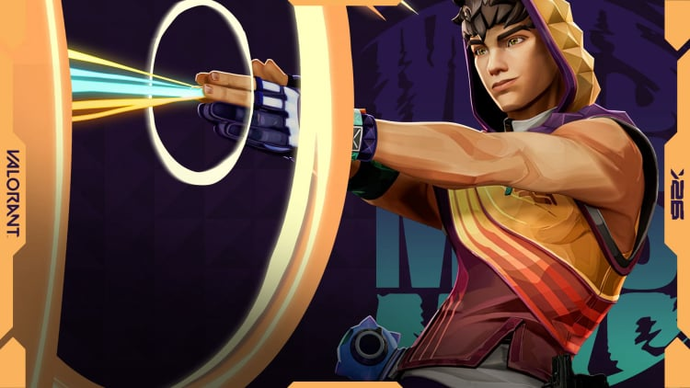
Miks Valorant Guide — All Abilities, Role, Best Teammates, and How To Play
Miks is Valorant's 30th agent and the first Controller who can heal. Here's a full breakdown of every ability, when to use each mode, and how to get the most out of him in ranked.
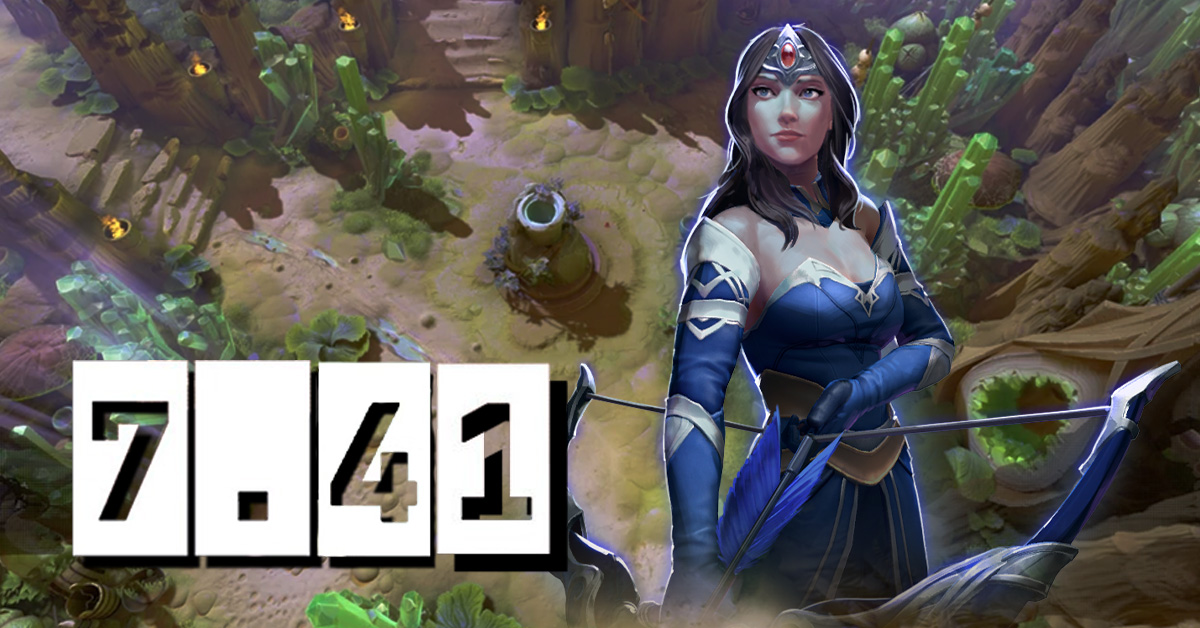
Dota 2 Patch 7.41 — All New Items, Neutral Items, and Tier List
Patch 7.41 added 9 new shop items and 8 neutral items to Dota 2. Here's what every item does, who should buy it, and which neutral items are actually worth picking up.
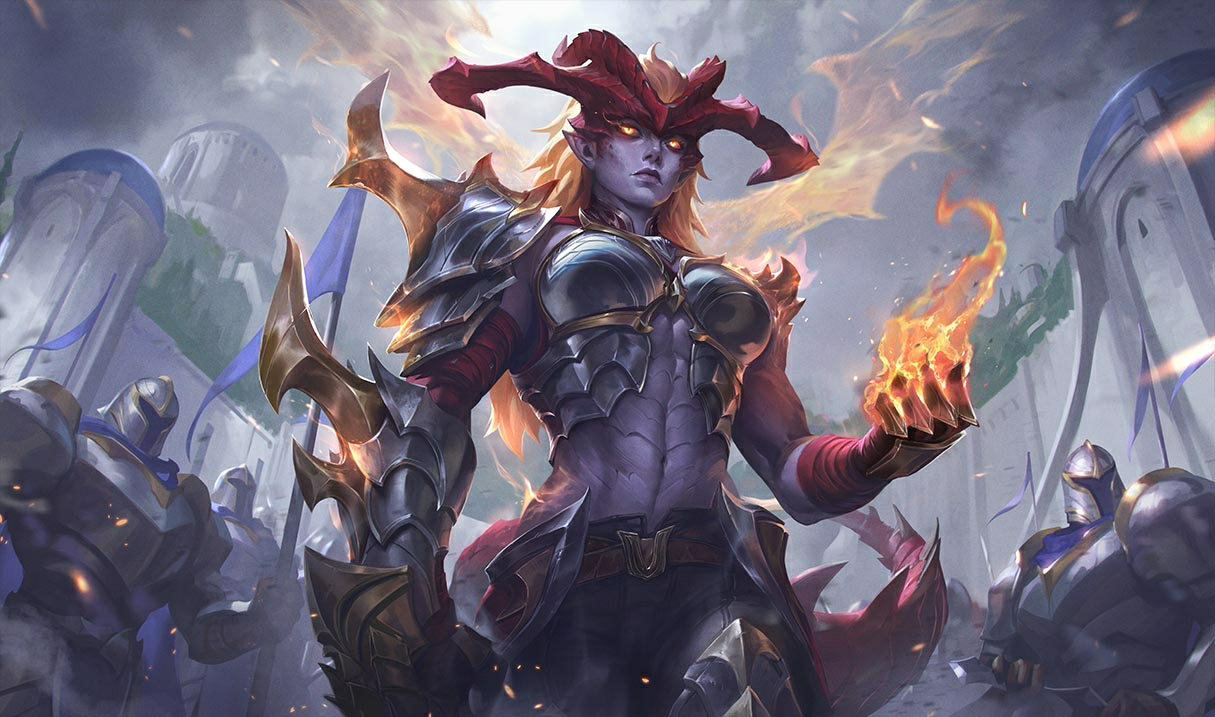

Shyvana Rework 2026 — New Abilities, Best Build, Skins, and Meta Impact
Shyvana's VGU finally landed in patch 26.6. New kit, new look, new dragon form that actually feels like a dragon.



Comments on the article
No comments yet. Be the first!
Leave a comment