How to Remove Hand Shake CS2: Commands and Viewmodel Settings
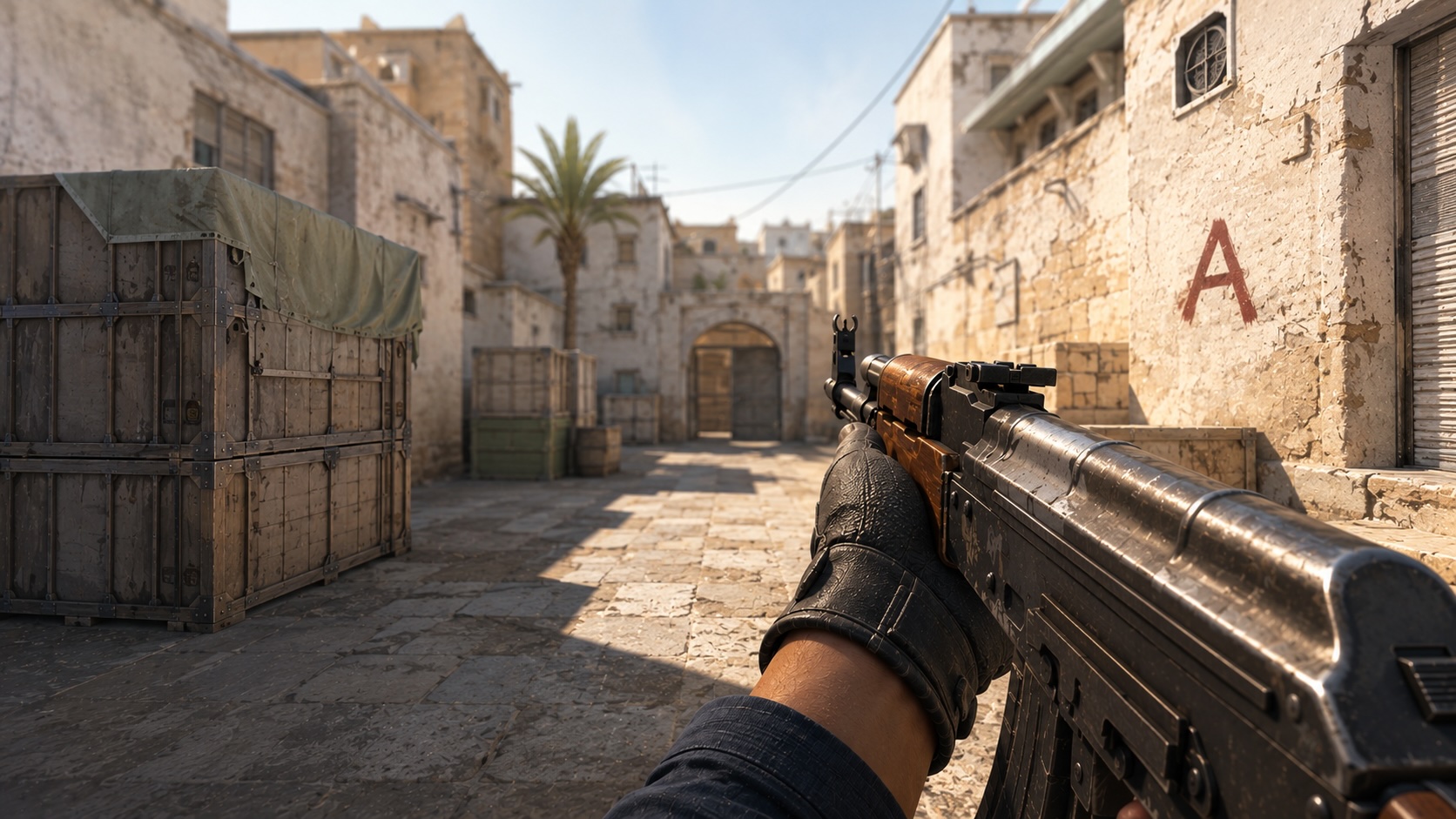
Weapons and hands in Counter-Strike 2 move while the player walks, runs, jumps, and shoots. These animations make the game feel more dynamic, but they can also distract from the crosshair and make it harder to track opponents.
Hand movement cannot be completely disabled in official game modes. However, viewmodel settings allow players to change the size and position of the weapon model, clear space around the crosshair, and make the animation less noticeable. This guide explains which commands still work and which ones were removed after CS2 updates.
What Is Hand Shake in CS2 and Does It Affect Gameplay?
The term hand shake CS2 describes the visual movement of the hands and weapon model during movement, jumping, landing, and shooting. It is commonly known as weapon bob or viewmodel bobbing.
Hand shake should not be confused with recoil or bullet spread:
- Hand shake is the visual movement of the first-person weapon model.
- Recoil determines how the crosshair and subsequent shots move during sustained fire.
- Spread is the deviation of bullets from the center of the crosshair.
- View punch is the temporary camera movement caused by shooting, taking damage, or other in-game events.
Weapon bob does not affect damage, recoil patterns, bullet spread, hit registration, or weapon accuracy. Even when the weapon model moves sideways, the bullet does not necessarily travel in the same direction.
A CS2 bob command only changes how the first-person animation looks. It does not provide lower recoil or improve the mechanical accuracy of a weapon. Changing the viewmodel can make shooting feel more stable, but players still need to stop before firing, learn recoil patterns, and control their sprays.
Although hand shake is cosmetic, it can still affect visual comfort. Constant weapon movement creates additional visual noise and may distract the player from the crosshair. The effect can feel stronger at unstable frame rates or after switching from CS:GO, which provided more options for customizing weapon bob.
Players who want to improve their movement mechanics can also learn how to bhop in CS2 and configure the commands used for offline practice.
How to Change Hand Position in CS2
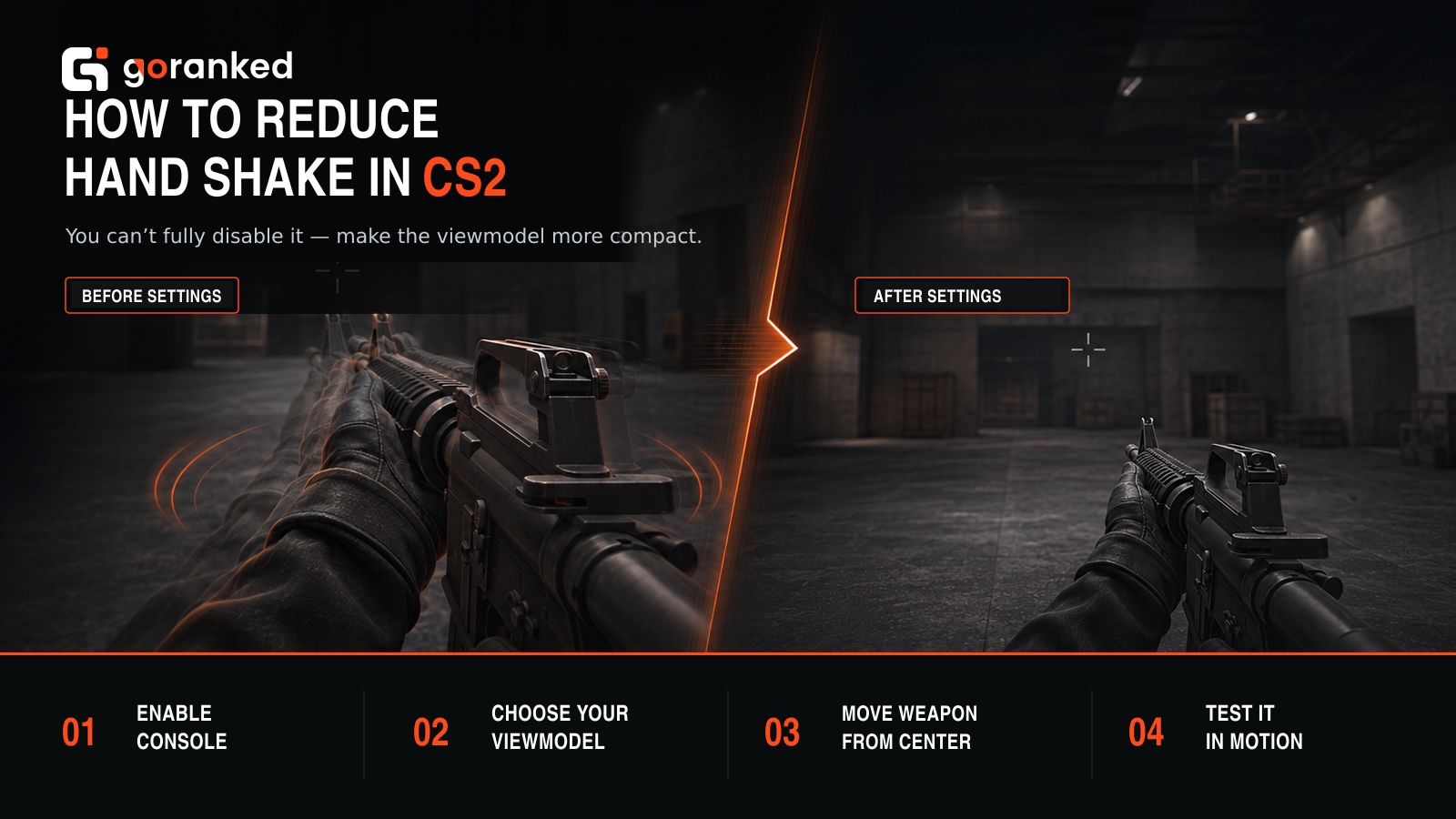
Players searching for how to change hand position in CS2 can adjust the viewmodel through the developer console. These settings change where the weapon appears on the screen without affecting gameplay mechanics.
To enable the console:
- Open Counter-Strike 2 settings.
- Select the Game tab.
- Find Enable Developer Console.
- Change the setting to Yes.
- Press the ~ key to open the console.
The following commands control the weapon model:
| Command | Function |
|---|---|
| viewmodel_fov | Changes the field of view of the weapon model |
| viewmodel_offset_x | Moves the weapon to the left or right |
| viewmodel_offset_y | Moves the weapon closer to or farther from the camera |
| viewmodel_offset_z | Moves the weapon up or down |
| viewmodel_presetpos | Selects a preset or enables custom positioning |
Before changing individual values, enter viewmodel_presetpos 0. This activates a custom viewmodel and allows the position to be adjusted manually.
How to Switch Between Left and Right Hands
The question how to switch hands in CS2 refers to changing the side on which the weapon model appears. CS2 includes a built-in option for choosing the preferred hand and switching sides during a match.
The CS2 right hand command is switchhandsright. It places the viewmodel in the right hand. To move it to the opposite side, use switchhandsleft, which works as a left hand command CS2 players can enter through the console.
The switchhands command toggles the model between the two sides. Players can also use the Switch Viewmodel Left/Right Hand key binding in the game settings. The default key on a US keyboard is H, although it can be changed.
Switching hands does not affect weapon accuracy, recoil, firing speed, or hit registration. It only changes the side of the screen on which the weapon is displayed. This can be useful when the model blocks part of the view near a wall or corner.
The position of the viewmodel also changes how different weapons, knives, and gloves appear. Players can compare available items and their prices on the CS2 skins marketplace.
How to Remove Hand Shake in CS2
Players should know that weapon bob cannot be completely disabled in official matches. The current game does not provide a client-side command that answers how to remove hand shake CS2 or turns off all weapon movement while walking or running.
Older CS:GO guides often recommend the following commands:
- cl_bobamt_lat 0;
- cl_bobamt_vert 0;
- cl_bob_lower_amt 0;
- cl_bobcycle 0.98;
- cl_viewmodel_shift_left_amt 0;
- cl_viewmodel_shift_right_amt 0;
- viewmodel_recoil 0;
- cl_usenewbob 0.
Most of these parameters belonged to CS:GO. Some appeared in early versions of Counter-Strike 2 but were later removed. Entering them in the current game usually produces an Unknown command message.
The old cl_bob command group is therefore not a reliable method for adjusting hand movement in CS2. Commands such as cl_bobamt_lat, cl_bobamt_vert, cl_bob_lower_amt, and cl_bobcycle no longer control the current animation system.
The same applies to cl_usenewbob 0. It may still appear in older articles, but it is no longer a working solution for disabling viewmodel movement.
The current status of the main commands is shown below:
| Command | Current status | Availability |
|---|---|---|
| viewmodel_fov | Works | All game modes |
| viewmodel_offset_x | Works | All game modes |
| viewmodel_offset_y | Works | All game modes |
| viewmodel_offset_z | Works | All game modes |
| switchhands | Works | All game modes |
| switchhandsleft | Works | All game modes |
| switchhandsright | Works | All game modes |
| view_punch_decay 999 | Works with restrictions | Local server with sv_cheats 1 |
| cl_usenewbob 0 | Removed | Does not work |
| cl_bobamt_lat and cl_bobamt_vert | Removed | Do not work |
| cl_bob_lower_amt and cl_bobcycle | Removed | Do not work |
| viewmodel_recoil 0 | Removed | Does not work |
How to Reduce Camera Shake While Shooting
The current CS2 viewmodel bob cannot be fully turned off in official matchmaking. On a local server, however, players can reduce the visual camera punch that appears after firing.
First enter sv_cheats 1 and then view_punch_decay 999. The second command accelerates the recovery of the camera after view punch.
View_punch_decay 999 does not disable regular weapon bob while walking or running. It also does not change recoil, spread, bullet behavior, damage, or hit registration.
The command is only available when sv_cheats 1 can be enabled. It will not work in Premier, Competitive, official matchmaking, FACEIT, or most public servers.
For easier navigation around an offline practice map, players can also learn how to fly in CS2 using noclip. Noclip requires a local server with sv_cheats enabled.
In official matches, the best CS2 bob settings are regular viewmodel adjustments. They do not remove the animation, but they can move the weapon farther away from the crosshair and make the movement less distracting.
The appearance of a CS2 weapon model depends on the selected FOV, offsets, preferred hand, and screen resolution. Testing several configurations is the best way to find a comfortable position.
Final Tips to Reduce Hand Movement in CS2
The current CS2 bob animation cannot be completely disabled in official game modes. Valve removed the old bob commands used in CS:GO, which means many instructions found in outdated guides no longer work.
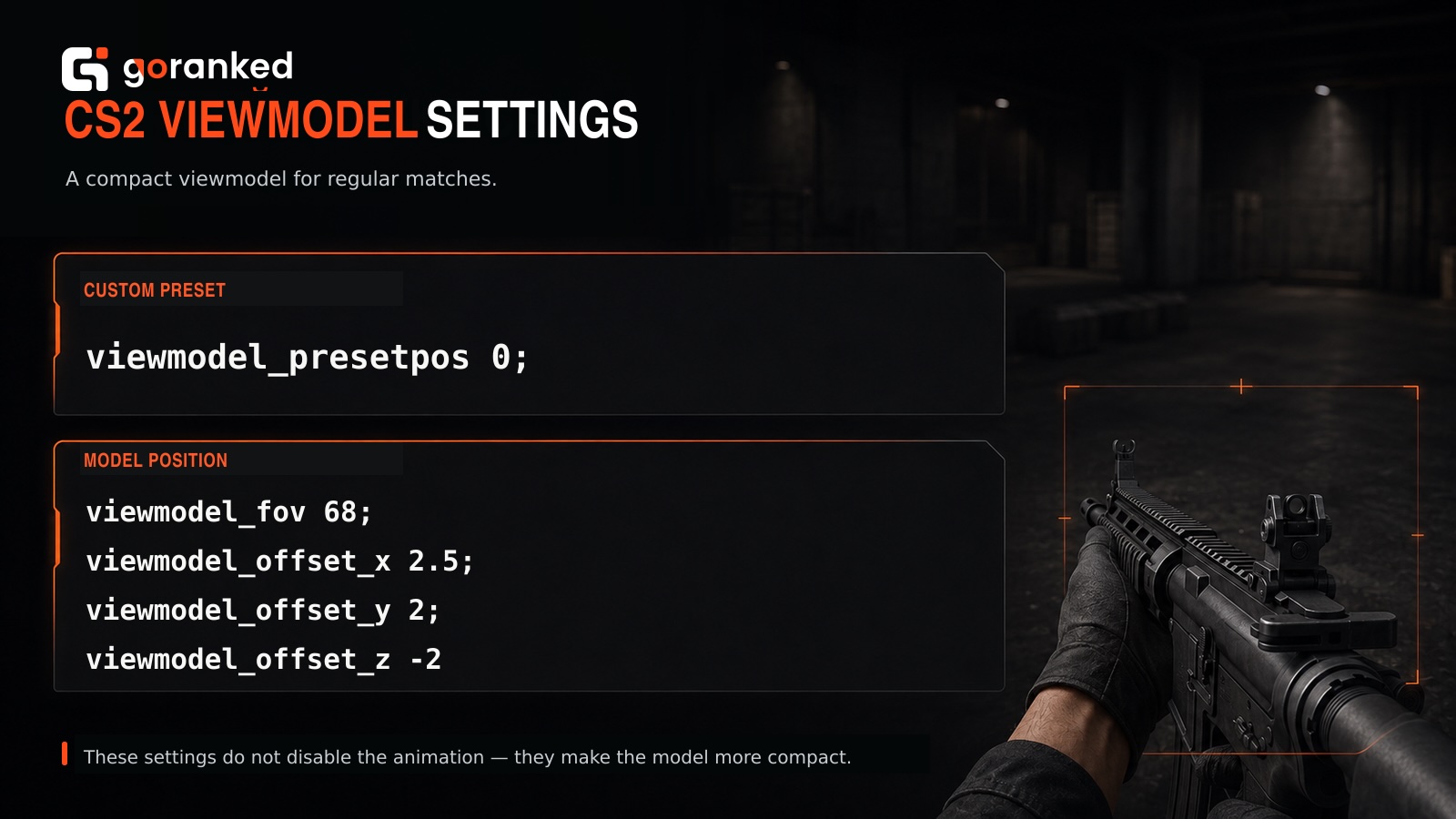
For regular matches, try the following configuration:
- viewmodel_presetpos 0;
- viewmodel_fov 68;
- viewmodel_offset_x 2.5;
- viewmodel_offset_y 2;
- viewmodel_offset_z -2.
These values make the model appear smaller, move it farther from the center, and clear more space around the crosshair. They can be adjusted for different resolutions, aspect ratios, and personal preferences.
To reduce visual discomfort:
- Maintain a stable frame rate.
- Move the viewmodel away from the crosshair.
- Test both left- and right-handed weapon positions.
- Avoid outdated CS:GO bob commands.
- Check every change on a practice map.
- Focus on the crosshair instead of the weapon animation.
- Practice counter-strafing and recoil control.
On a local server, view_punch_decay 999 can be used after enabling sv_cheats 1 to reduce camera punch. In official matches, viewmodel positioning remains the most practical option. It cannot completely disable hand movement, but it can make the animation less noticeable and help the player focus on aiming.
Articles by this author