


 Boost rating


 In-game currency


 Perplexity
 ChatGPT
 Grok
Grok
 Claude
 Post on Reddit
Enhance your gaming experience with our services
Get the most out of your game with professional solutions

How to Unlock All Heroes in Dota 2
New accounts in Dota 2 start with a limited pool of heroes due to New Player Mode, which is designed to help beginners learn the basics without being overwhelmed. By default, new players have access to only around 20 heroes. If you want to unlock all heroes quickly, there are methods that bypass the official restrictions. For example, on platforms like Goranked, players can buy accounts or use Dota 2 boosting services to gain faster access to higher-level gameplay.
Why Heroes Are Limited
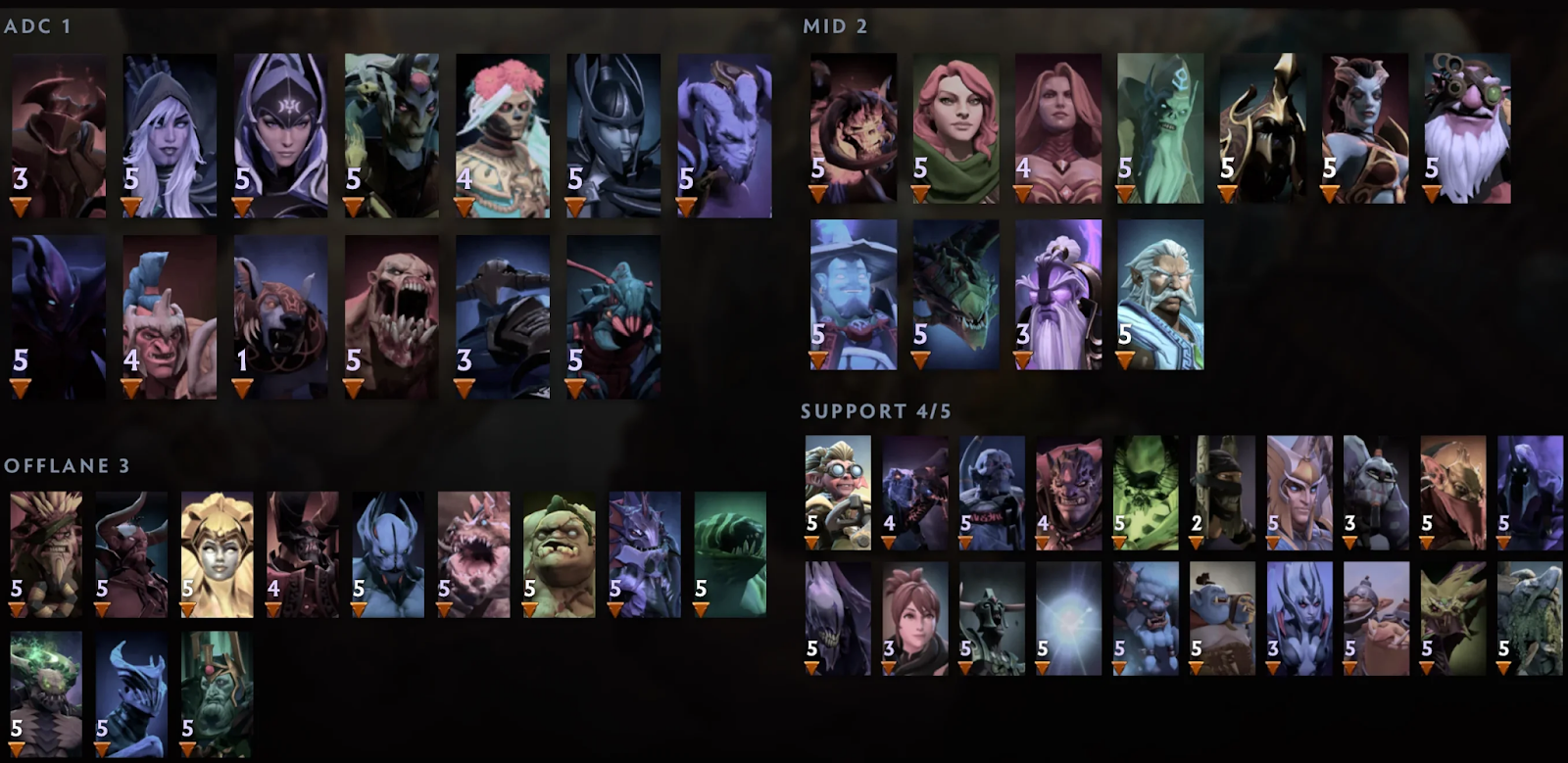
The restriction exists to make the game more approachable for new players. Dota 2 heroes are categorized by difficulty — easy, medium, and hard — based on how complex their abilities and strategies are. Allowing a beginner to pick from the full hero pool could lead to confusion or frustration, which may push them away from the game. It also helps prevent new players from unintentionally ruining matches for experienced teammates. Essentially, New Player Mode is meant to guide progression while keeping early matches manageable.
Unlocking All Heroes Using the Console
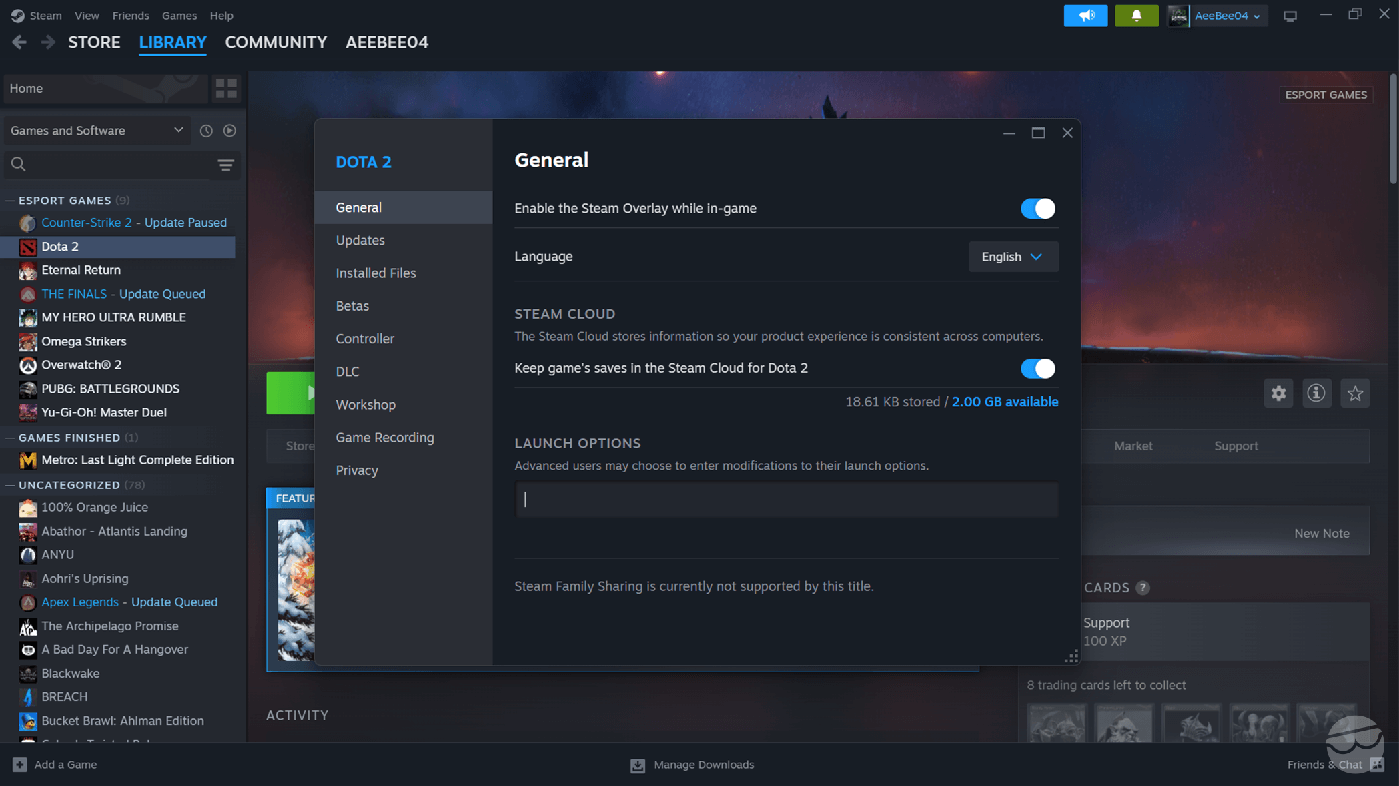
If you want access to all heroes immediately, the console is the fastest option. First, make sure the console is enabled:
Steam → Library → Right-click Dota 2 → Properties → Launch Options → type -console.
Assign a key for opening the console in Settings → Controls → Advanced Hotkeys → Console.
Once in a match during hero pick, you can enter: dota_new_player 0 or dota_new_player false.
This disables New Player Mode and unlocks all heroes for selection. Another option is: dota_new_player_pool_matches_played 40
This tricks the game into thinking you’ve played enough matches to gain full hero access. Remember, these commands must be entered at hero pick for each match until the game officially unlocks the heroes.
Fastest Way Without Console
If you don’t want to use console commands, the fastest way to unlock all heroes in Dota 2 is through Turbo Mode. This mode shortens matches to about 15 minutes, compared to standard games that last around an hour. By playing Turbo matches, you can reach the New Player Mode requirement much faster — completing roughly 25 matches in just 6–7 hours. Here’s how to do it:
Open Dota 2 and click Play Dota.
Select Turbo Mode from the available match types.
Join a match and play normally, either solo or with friends who also have limited heroes.
Repeat consecutive matches until the game recognizes you as an experienced player.
An extra tip: coordinate with your party to speed up progress. You can either win quickly or lose matches intentionally, as each completed game counts toward unlocking heroes. This approach lets you bypass console commands while gaining access to the full hero roster and enjoying Dota 2 hero variety immediately.
Summary
New Player Mode in Dota 2 restricts beginners to a small hero pool to ease the learning curve. You can unlock all heroes using the console commands like dota_new_player 0 or dota_new_player_pool_matches_played 40, or alternatively, you can rely on Turbo Mode for the fastest non-console method. Whether through console commands or rapid gameplay, these approaches give full access to the complete hero roster, letting you experiment with every hero and improve your skills efficiently.
More to read


WoW Patch 12.0.5 – Key Features, Class Changes, and What to Expect
WoW Patch 12.0.5 brings Void Assaults, the Voidforge system, class changes, and new activities. Learn how this World of Warcraft update reshapes gearing, gameplay, and the meta.

Dota 2 Patch 7.41: Why Valve Removed Aspects and What It Means for the Game
Dota 2 Patch 7.41 removes aspects, reshaping hero balance, drafting, and gameplay flow. Learn what changed, why Valve did it, and how the new Dota 2 meta works.


Fortnite Cheat Codes & Console Commands (2026): What Actually Works
Looking for Fortnite cheat codes in 2026? Learn which codes actually work, how to redeem them, where to find legit Fortnite codes, and how to avoid scams and fake cheats.

Miks Valorant Guide — All Abilities, Role, Best Teammates, and How To Play
Miks is Valorant's 30th agent and the first Controller who can heal. Here's a full breakdown of every ability, when to use each mode, and how to get the most out of him in ranked.
Dota 2 Patch 7.41 — All New Items, Neutral Items, and Tier List
Patch 7.41 added 9 new shop items and 8 neutral items to Dota 2. Here's what every item does, who should buy it, and which neutral items are actually worth picking up.
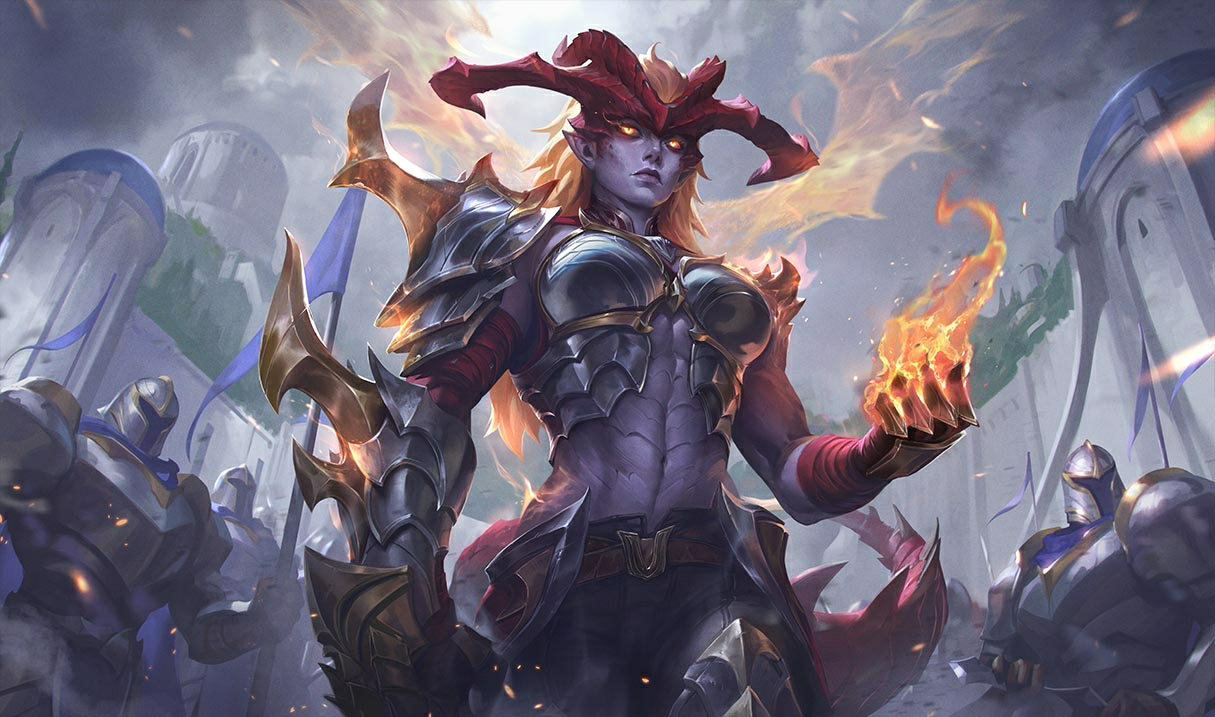

Shyvana Rework 2026 — New Abilities, Best Build, Skins, and Meta Impact
Shyvana's VGU finally landed in patch 26.6. New kit, new look, new dragon form that actually feels like a dragon.



Comments on the article
No comments yet. Be the first!
Leave a comment