


 Puan yükseltmesi


 Oyun içi para


 Perplexity
 ChatGPT
 Grok
Grok
 Claude
 Post on Reddit
Hizmetlerimizle oyun deneyiminizi geliştirin
Profesyonel çözümlerle oyununuzdan en iyi şekilde yararlanın
Dota 2 Launch Options – How to Customize the Game for Yourself
A Dota 2 launch option is a special system command that allows you to override some default settings with your own custom configurations.
Most often, Dota 2 launch options are used to:
-
boost in-game FPS;
-
speed up client loading;
-
improve overall performance and customization.
Some commands do not work in competitive mode. Most available options don’t affect gameplay, so they are legal to use. Below, you’ll learn how to apply them properly.
Dota 2 launch options let you lock your FPS, disable intro videos, change the language (useful for bypassing regional restrictions), and perform several other actions not available in the in-game menu.
By applying Dota 2 FPS launch options, you can maintain a stable framerate even on a low-end PC or simply speed up the game for a tactical edge.
How to Set Dota 2 Launch Options in Steam
Dota 2 launch options are set through the Steam command line. Just open your Library, right-click on Dota 2, and select "Properties."
At the bottom, you’ll find the launch options field, where you can enter parameters in the “-parameter” format. You can add as many commands as you want—just separate them with spaces so the system loader reads each correctly. You can also remove individual options anytime.
Useful Dota 2 Launch Options
Curious about the most helpful Dota 2 launch commands? GoRanked experts have compiled a list of recommended options that improve your everyday experience.
Here are some useful launch options for regular gameplay:
| Command | Effect |
|---|---|
-autoconfig |
Resets video and performance settings to default. Ignores .cfg files while active. |
-con_enable 1 |
Enables the in-game console. |
-console |
Opens the console automatically on game launch. |
-dashboard <code> |
Changes main menu/loading screen. Examples: international_2012, spirits_2013. These are from past events and not selectable via settings. |
-enable_addons |
Enables Valve-approved custom content (HUD, minimap, icons, etc.). |
-fullscreen |
Launches the game in fullscreen mode. |
-h <height> |
Sets screen height in pixels. Example: -h 768. |
-heapsize |
Allocates RAM. -heapsize 524288 = 512 MB; 1048576 = 1 GB. |
-high |
Gives Dota 2 high CPU priority. |
-language <code> |
Changes game language. Example: -language english. |
-nexon |
Enables Korean Nexon servers (requires Nexon account). |
-noborder |
Borderless windowed mode — may improve performance. |
-nod3d9ex |
Disables Windows Aero DirectX for better performance. |
-noforcemaccel, -noforcemspd, -useforcedmparms |
Use Windows mouse acceleration/speed settings. |
-nomousegrab |
Enables Alt+Tab on Linux (XFCE, etc.). |
-novid |
Skips the intro video on startup. |
-override_vpk |
Allows custom VPK mods (disabled in matchmaking). |
-perfectworld |
Enables Chinese Perfect World servers. |
-threads <cores> |
Use a specified number of CPU threads. |
-w <width> |
Sets screen width in pixels. Example: -w 1024. |
-windowed |
Launches the game in windowed mode. |
These launch options help you fine-tune the game to your liking. Keep in mind that some commands are auto-disabled in competitive mode or may prevent you from joining it.
Looking for more helpful Dota 2 insights? Browse other articles at Goranked.GG or try the mentorship service to master the game faster!
Daha fazlasını oku
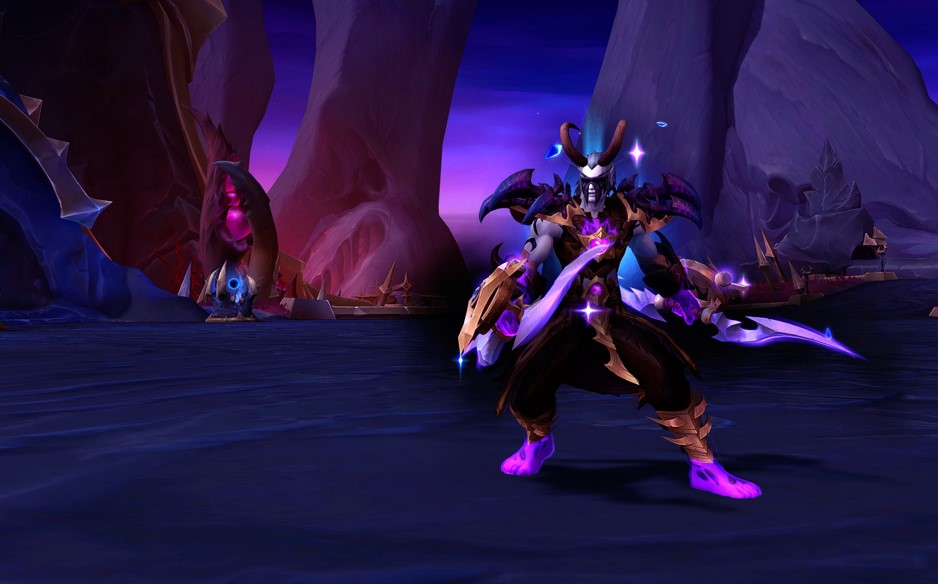


WoW Patch 12.0.5 – Key Features, Class Changes, and What to Expect
WoW Patch 12.0.5 brings Void Assaults, the Voidforge system, class changes, and new activities. Learn how this World of Warcraft update reshapes gearing, gameplay, and the meta.
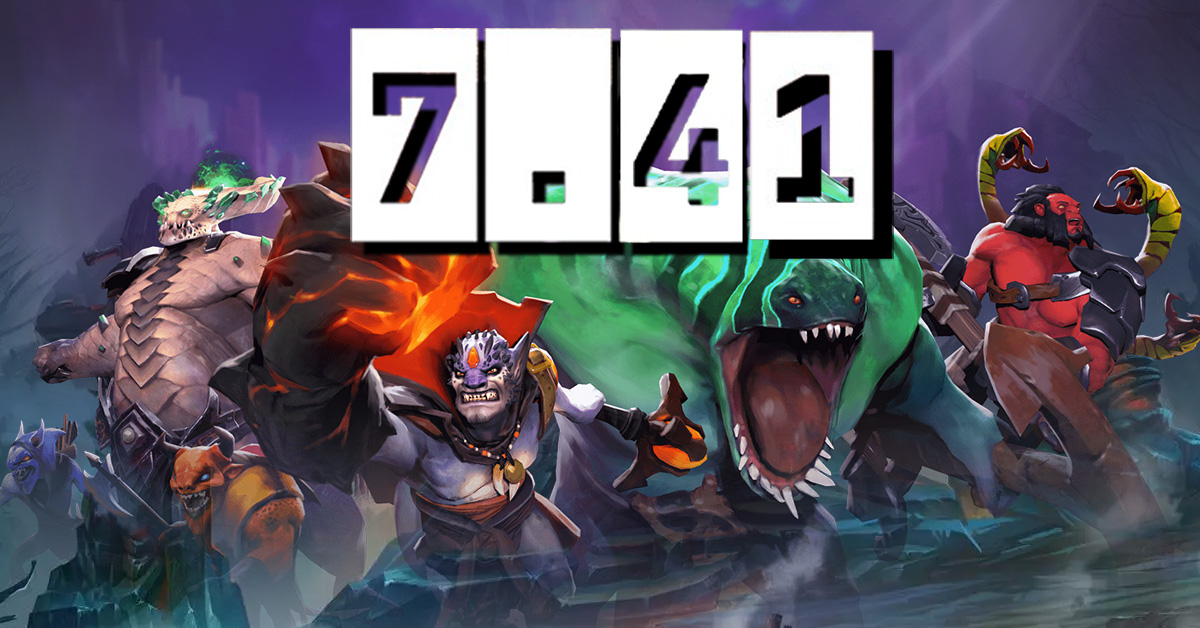

Dota 2 Patch 7.41: Why Valve Removed Aspects and What It Means for the Game
Dota 2 Patch 7.41 removes aspects, reshaping hero balance, drafting, and gameplay flow. Learn what changed, why Valve did it, and how the new Dota 2 meta works.
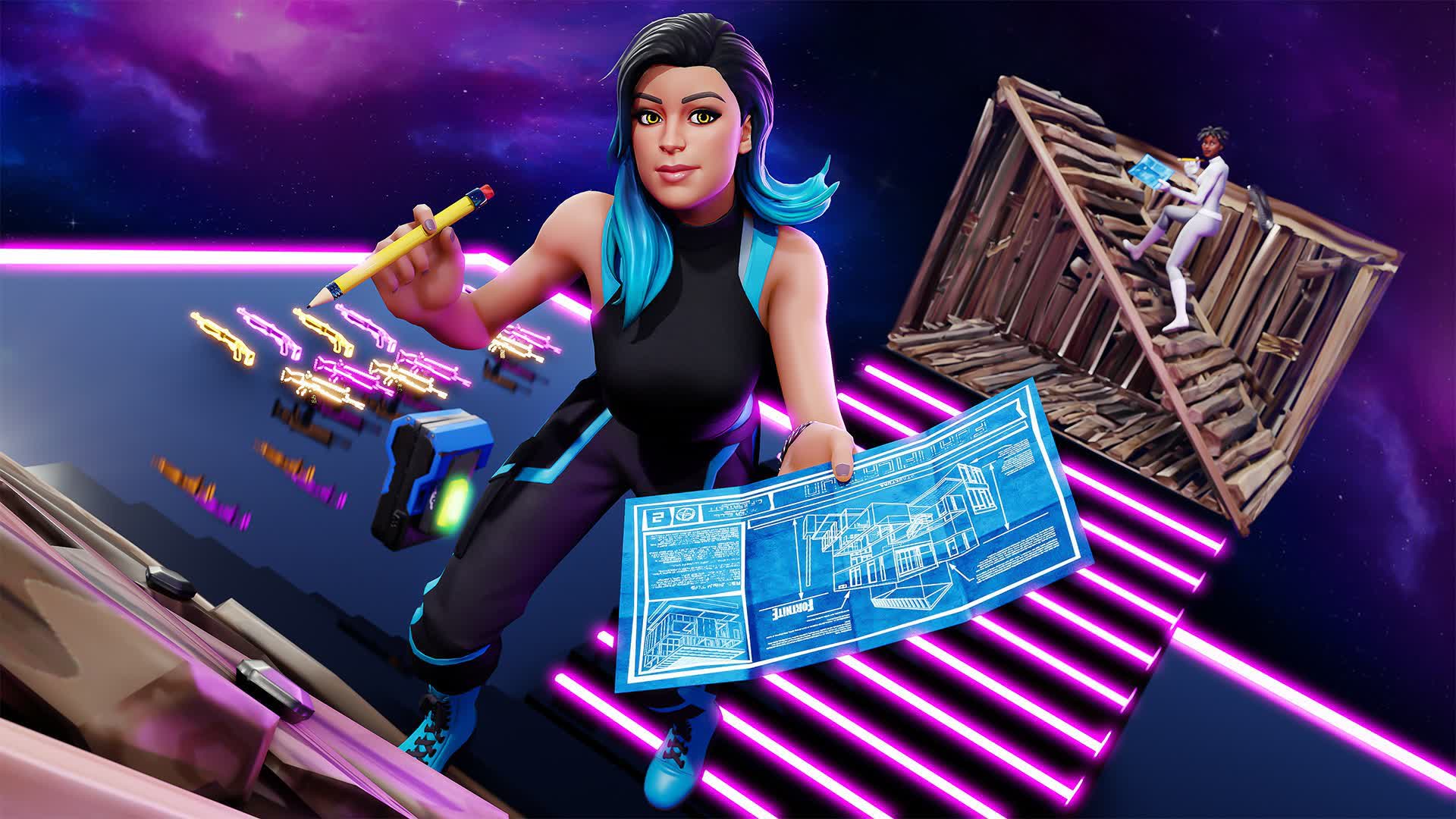

Fortnite Cheat Codes & Console Commands (2026): What Actually Works
Looking for Fortnite cheat codes in 2026? Learn which codes actually work, how to redeem them, where to find legit Fortnite codes, and how to avoid scams and fake cheats.
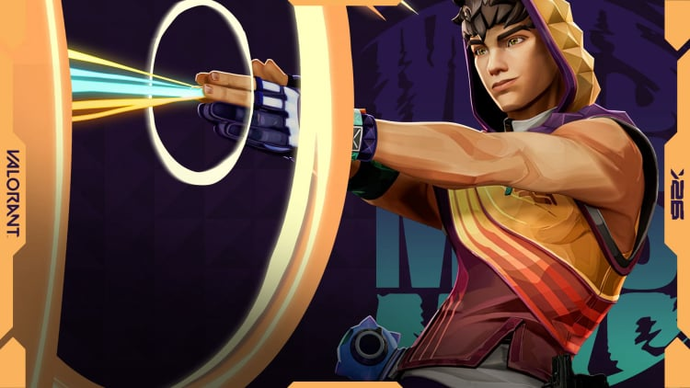
Miks Valorant Guide — All Abilities, Role, Best Teammates, and How To Play
Miks is Valorant's 30th agent and the first Controller who can heal. Here's a full breakdown of every ability, when to use each mode, and how to get the most out of him in ranked.
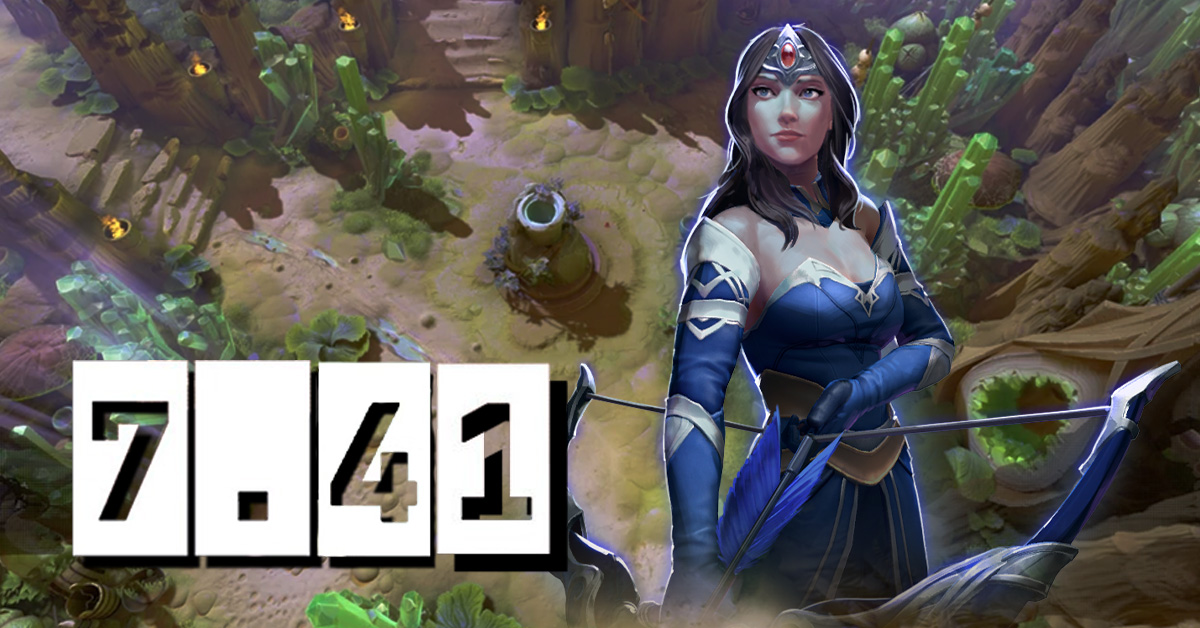
Dota 2 Patch 7.41 — All New Items, Neutral Items, and Tier List
Patch 7.41 added 9 new shop items and 8 neutral items to Dota 2. Here's what every item does, who should buy it, and which neutral items are actually worth picking up.
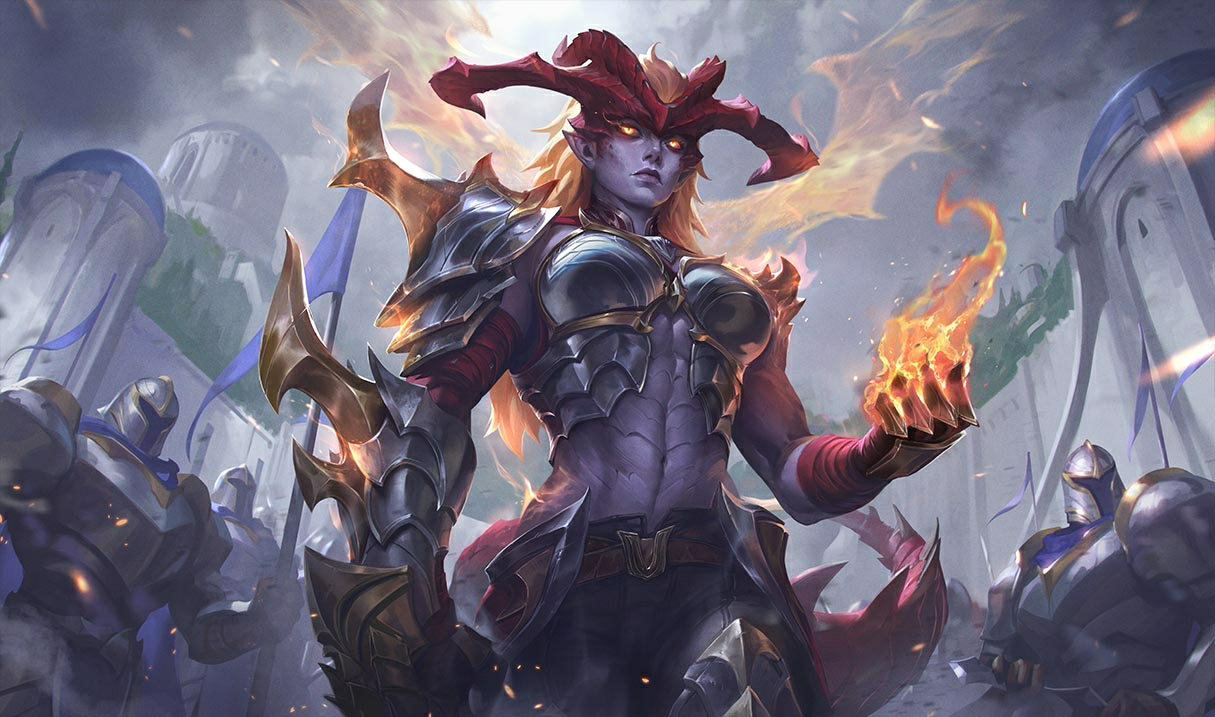

Shyvana Rework 2026 — New Abilities, Best Build, Skins, and Meta Impact
Shyvana's VGU finally landed in patch 26.6. New kit, new look, new dragon form that actually feels like a dragon.


Makaleye yorumlar
Henüz yorum yok. İlk siz olun!
Yorum bırak