


 Puan yükseltmesi


 Oyun içi para


 Perplexity
 ChatGPT
 Grok
Grok
 Claude
 Post on Reddit
WoW Addons Guide: Everything You Need to Know
World of Warcraft has always been a game where third-party tools make a real difference — and with the Midnight expansion changing how addons work, knowing what's still useful and what's gone is more important than ever. Whether you're a returning player or someone who's never touched a WoW addon before, this guide breaks down exactly what you need, what changed, and what's worth installing. If you're looking to jump straight into the action without starting from scratch, Goranked offers World of Warcraft accounts so you can skip the early grind and get right into the content that matters.
What's Changing With Addons in WoW: Midnight
Midnight didn't remove WoW addons entirely, but it changed how they work in ways that matter. Addons no longer have access to certain real-time combat information, and Blizzard removed tools they considered an unfair advantage in end-game content — WeakAuras, OmniCD, and Hekili are all gone. In their place, the built-in Cooldown Manager, Raid Frames, Nameplates, and a native Damage Meter and Boss Timers interface all received major upgrades.
What's left is a World of Warcraft addon ecosystem focused on UI customization and quality-of-life improvements rather than tools that automate combat decisions for you. The addons that survived are built to work within these new constraints — and plenty of them are still very much worth installing.
Essential Settings Before You Even Touch Addons
Most players jump straight into installing WoW addons without ever touching the base game settings. That's a mistake — some of the most impactful changes you can make in World of Warcraft are already built in, just turned off by default. Here's what to change before anything else:
Auto Loot — Options → Controls. One click loots everything instantly instead of opening a window every time.
Combine Bags — Same menu, two options down. Merges all your bags into one clean window. No addon needed.
Strafe Left/Right — Key Bindings → Movement Keys. Replace Turn Left/Right with Strafe. Turning with A and D slows your character down. Strafing doesn't. Ranged players, especially, should do this immediately.
Outline Mode — Interface → Display. Set to Quest Objectives, Mouseover, and Target. Quest items glow purple instead of showing barely visible sparkles. When you're flying through a zone at full speed, that highlight is the difference between spotting something and missing it entirely.
Health Remaining — Raid Frames settings. Switch from percentage to actual HP. Seeing 3.1 million tells you far more than 42% — especially as a healer trying to spot undergeared players before they start taking heavy damage.
Cloth Colors — Also in Raid Frames. Let's you identify roles at a glance without reading names. Tanks, healers, and DPS all show different colors instantly.
Self Highlight — Options → Combat → Circle and Outline. In a 20-man World of Warcraft raid at full zoom, losing track of your own character mid-mechanic happens more than people admit.
The Best WoW Addons Worth Installing
These are the addons that work within Midnight's restrictions and are actually worth your time. All available on CurseForge.
Deadly Boss Mods
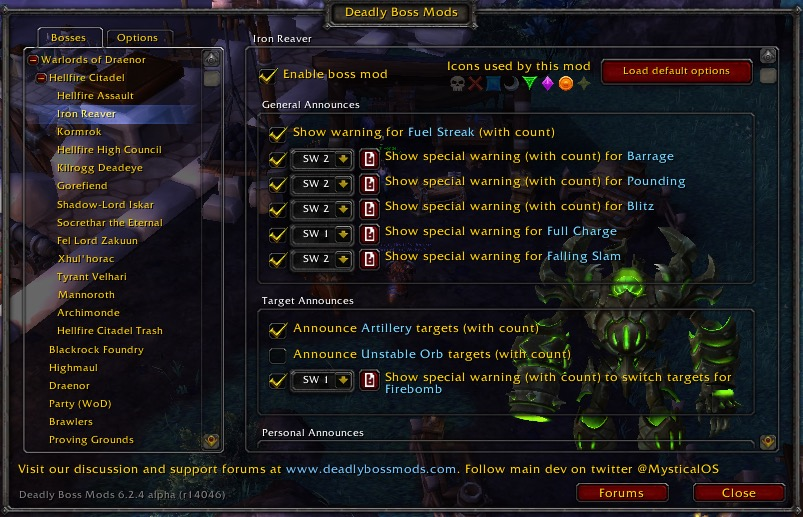
The most installed World of Warcraft addon for a reason. DBM puts timer bars on your screen for boss mechanics, fires audio warnings when something's about to happen, and flashes the screen for high-priority alerts. It's not a replacement for learning fights — but as a backup layer when you're tracking five things at once, nothing beats it.
BigWigs
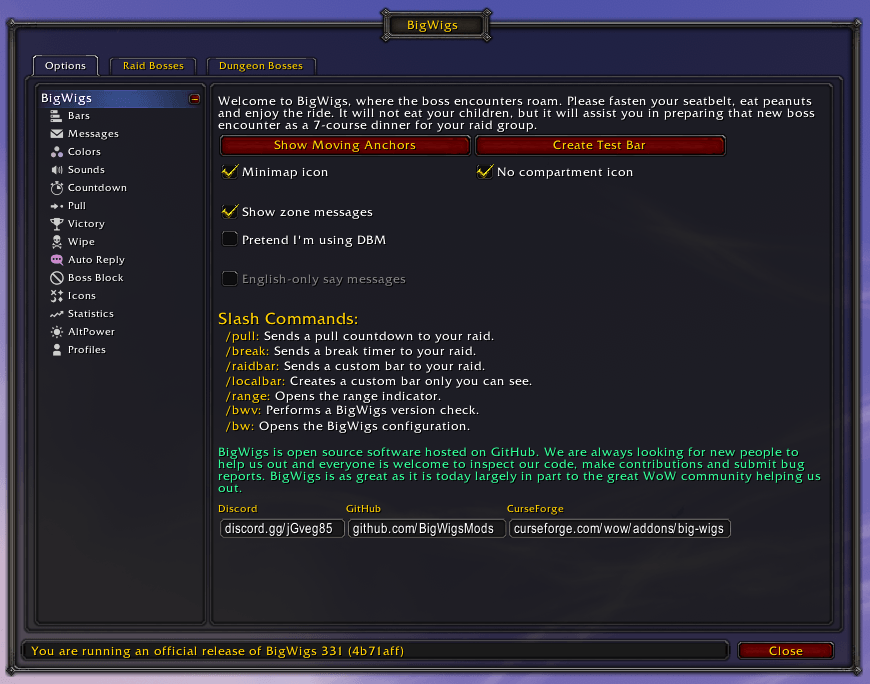
Does what DBM does, but gives you more control over how it does it. Custom sound cues per mechanic, adjustable text emphasis, and granular timer display options. If you've outgrown DBM's default setup and want to fine-tune exactly what gets flagged and how loudly, BigWigs is the upgrade.
Details!
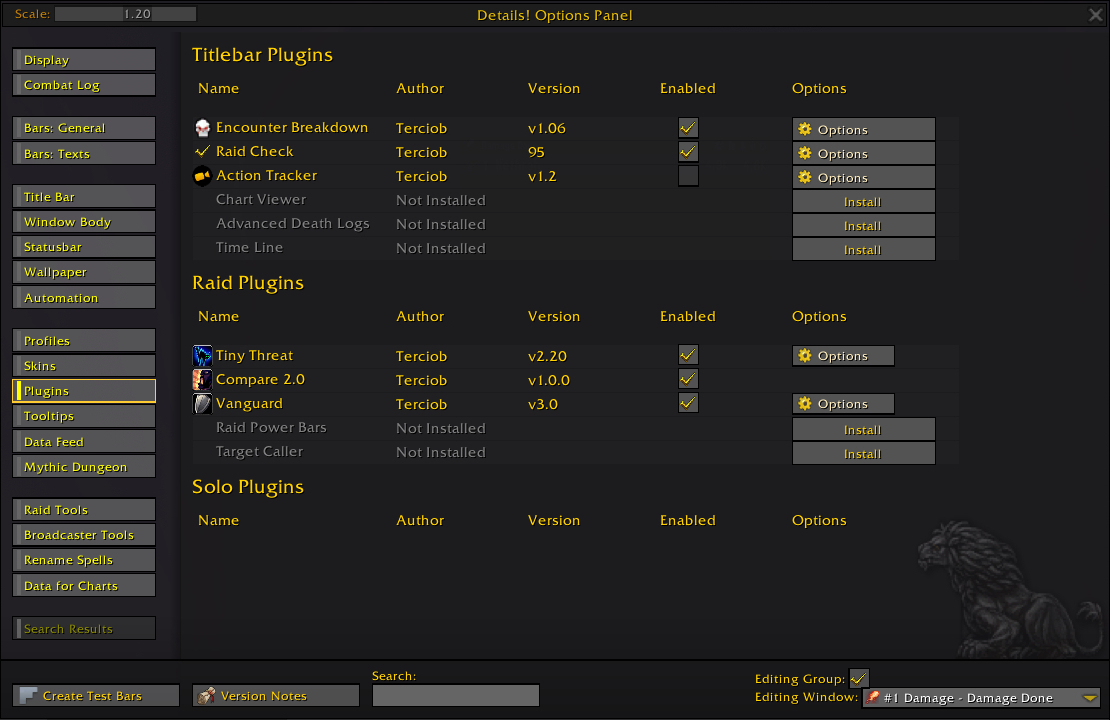
The damage meter WoW players used before Blizzard built their own — and it's back. Details! tracks damage, healing, interrupts, deaths, and DPS/HPS all in one place. Right-click any column and slice the data however you need. The update interval is also adjustable, which matters in long fights where you want live numbers rather than delayed snapshots.
Plater Nameplates
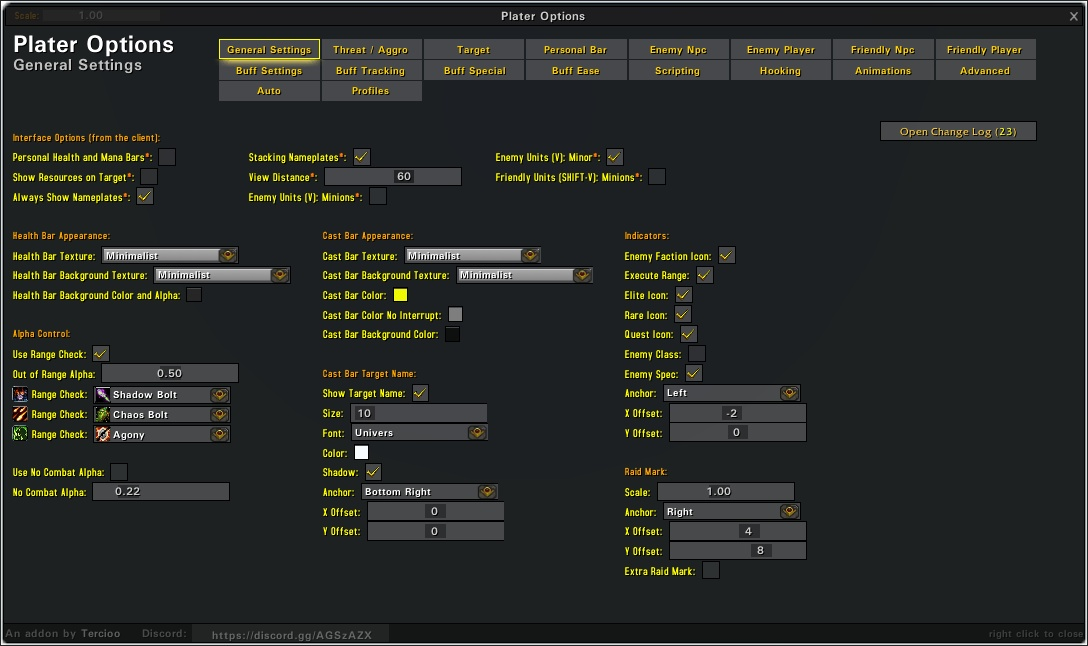
Plater is the standard for nameplate customization in World of Warcraft. The real value is Wago.io profile support — instead of spending hours configuring it manually, import a profile, and you're done. Not every profile is Midnight-compatible yet, but new ones are dropping regularly.
Grid2
Replaces the default Blizzard Raid Frames entirely. Comes with four ready-to-use profiles on install — no setup required if you just want something clean immediately. The real strength is how easy it is to customize: adding or removing tracked elements is literally a checkbox. Healers especially will notice the difference the first time they use it in a raid.
Danders Frames
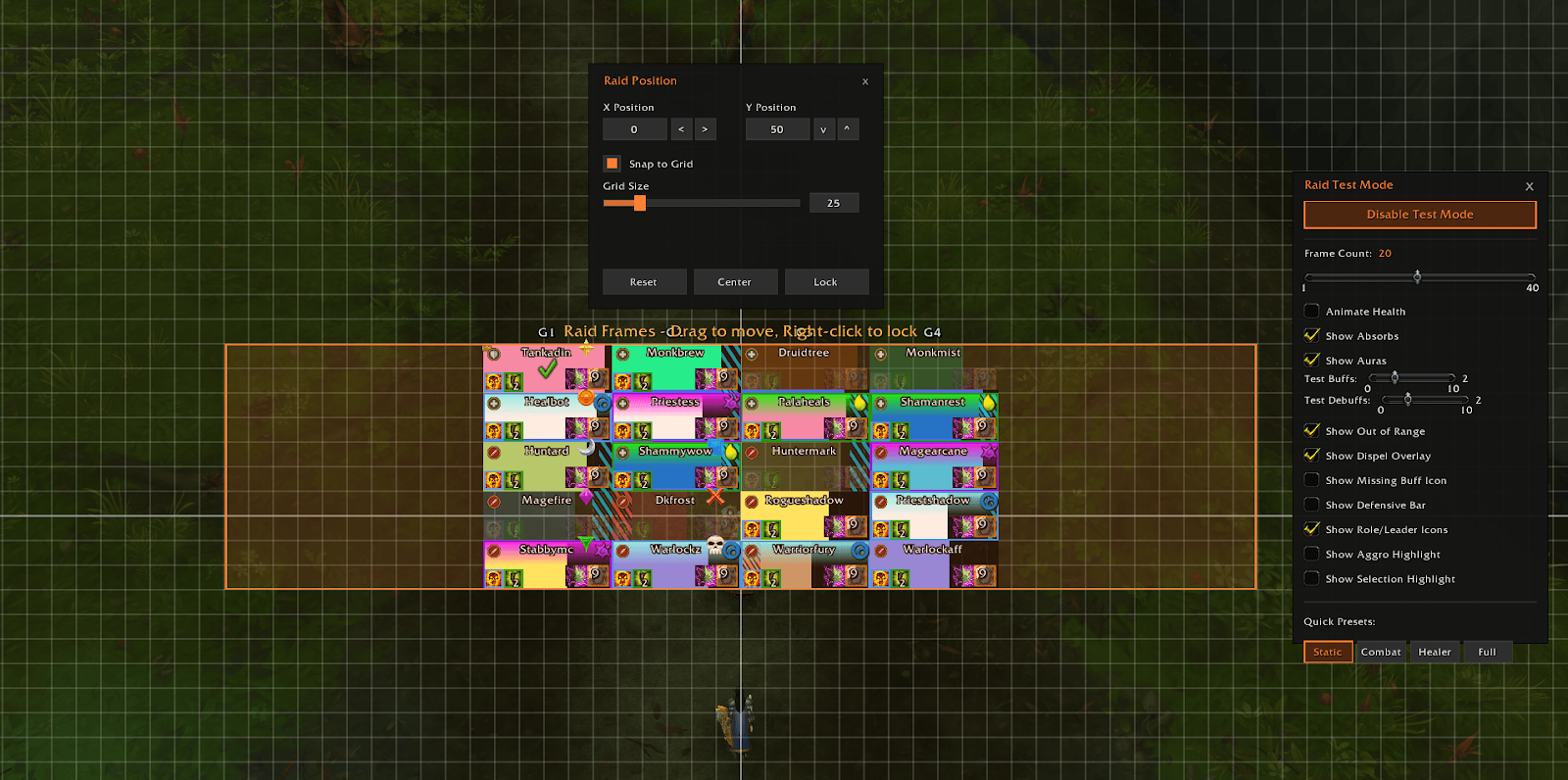
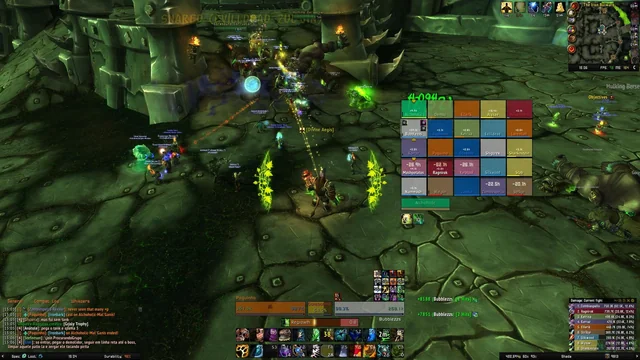
Works alongside or instead of Grid2. Gives you detailed control over exactly what appears on your raid frames and how many buffs and debuffs are shown at once — useful for keeping things clean during chaotic pulls without losing important information.
Better Character Panel
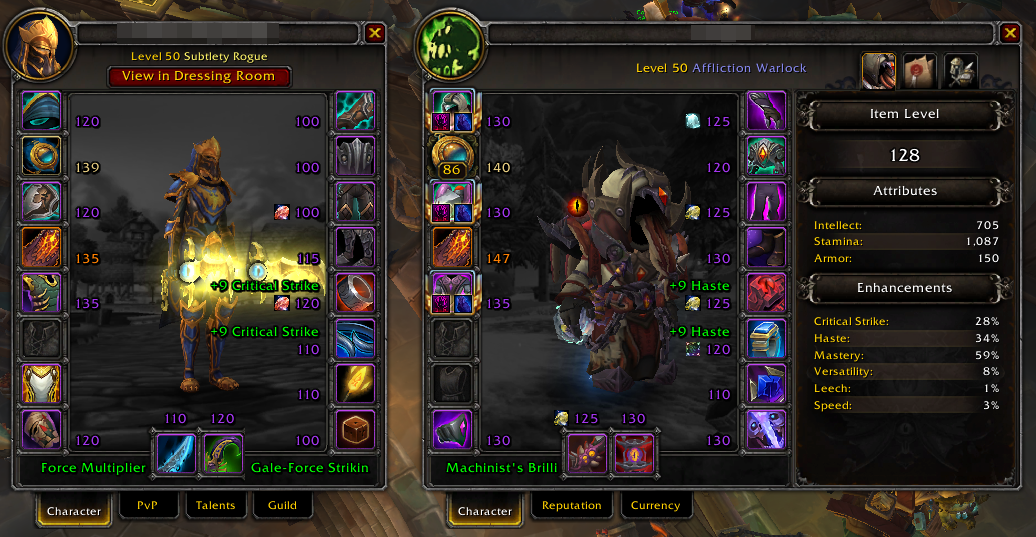
Opens your character screen and immediately shows every enchant in green, every missing one in red. Also displays gem slots so you can see at a glance if rings or neck pieces are missing gems. For anyone in serious end-game WoW content, this is a must — the first time you inspect someone and see six red missing enchants, you'll understand why.
Auctionator
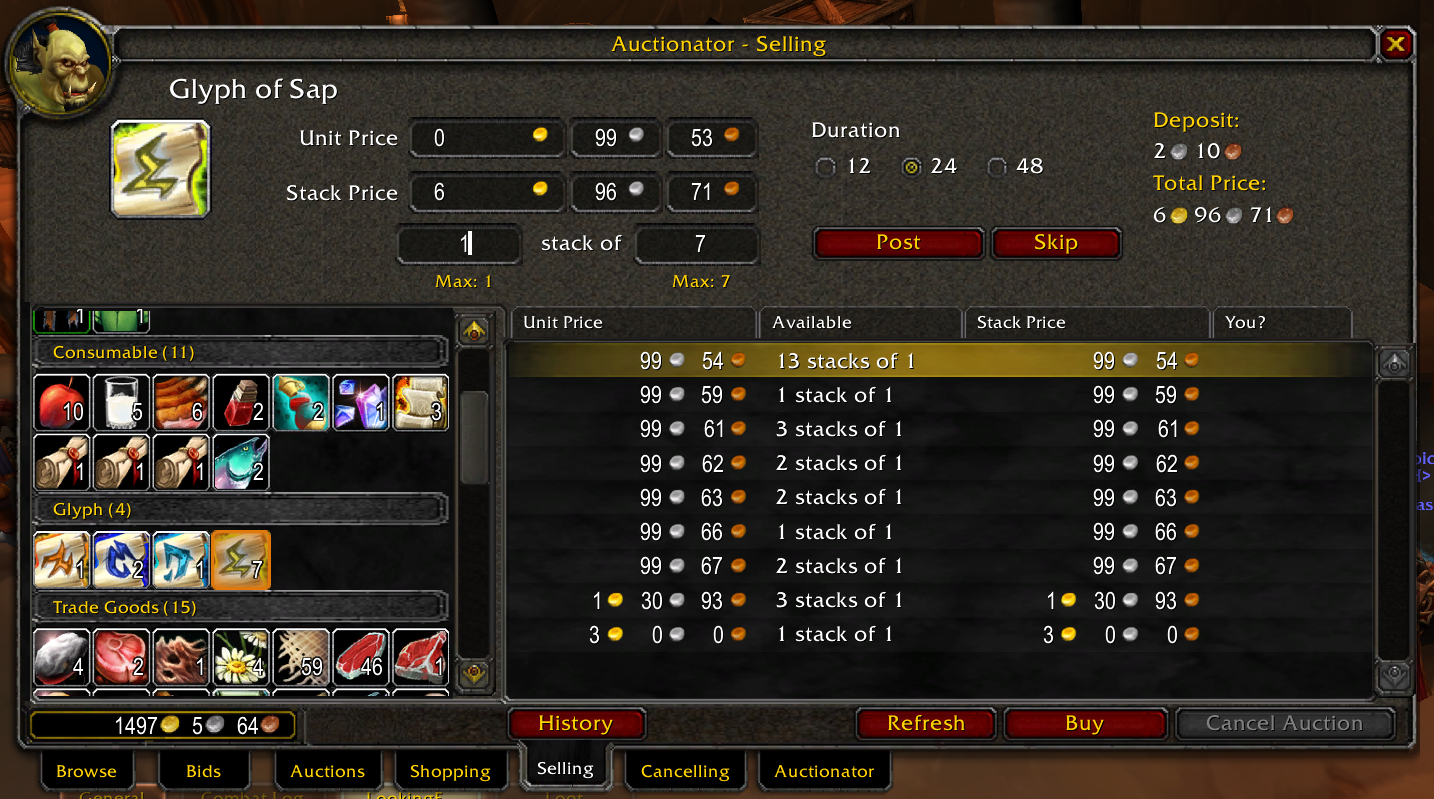
Hover over anything in your bags, and Auctionator shows you the current AH market price right there. No need to open the auction house and search manually. It scans the full AH and gives you the number instantly — if you're selling crafted gear, raw materials, or just clearing out bags regularly, the time this saves adds up fast.
Handy Notes & Rare Scanner
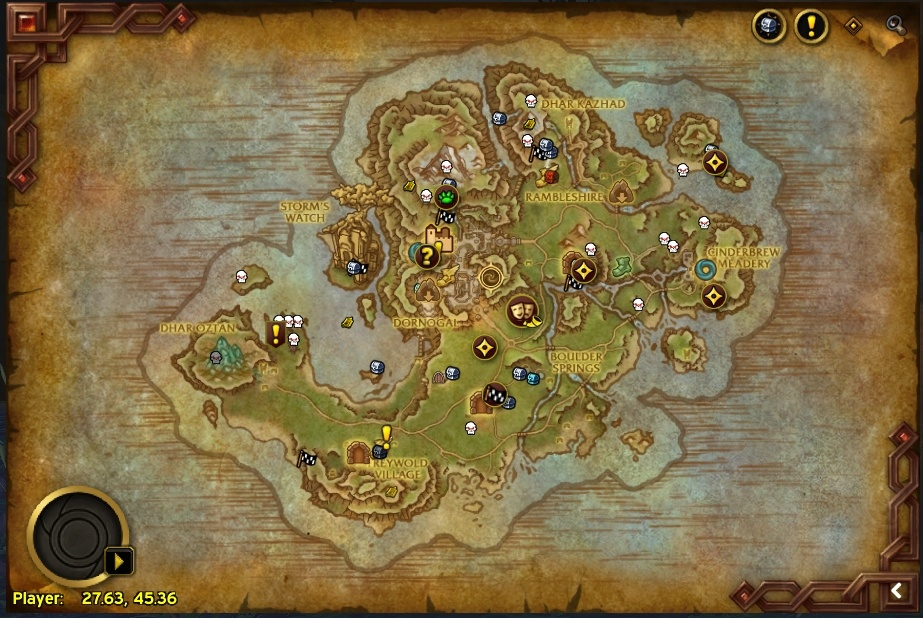
These two work best together. Handy Notes adds treasure and rare enemy icons to your map so you always know what's in a zone. Rare Scanner actively monitors nearby entities and alerts you when a rare NPC spawns close — complete with a map marker and a targetable icon to find it faster.
Both addons add skull icons to the map, so make sure to disable duplicates in each addon's settings. Otherwise, your map becomes unreadable.
MPlusTimer
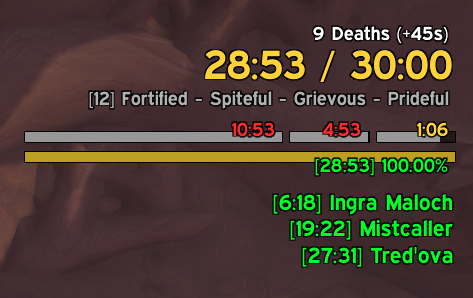
Clean replacement for the base Mythic+ timer. Adds kill time tracking and personal best comparisons so you know whether you're ahead or behind pace without doing mental math mid-pull. If you run any amount of Mythic+ in World of Warcraft, this is a no-brainer.
MoveAny
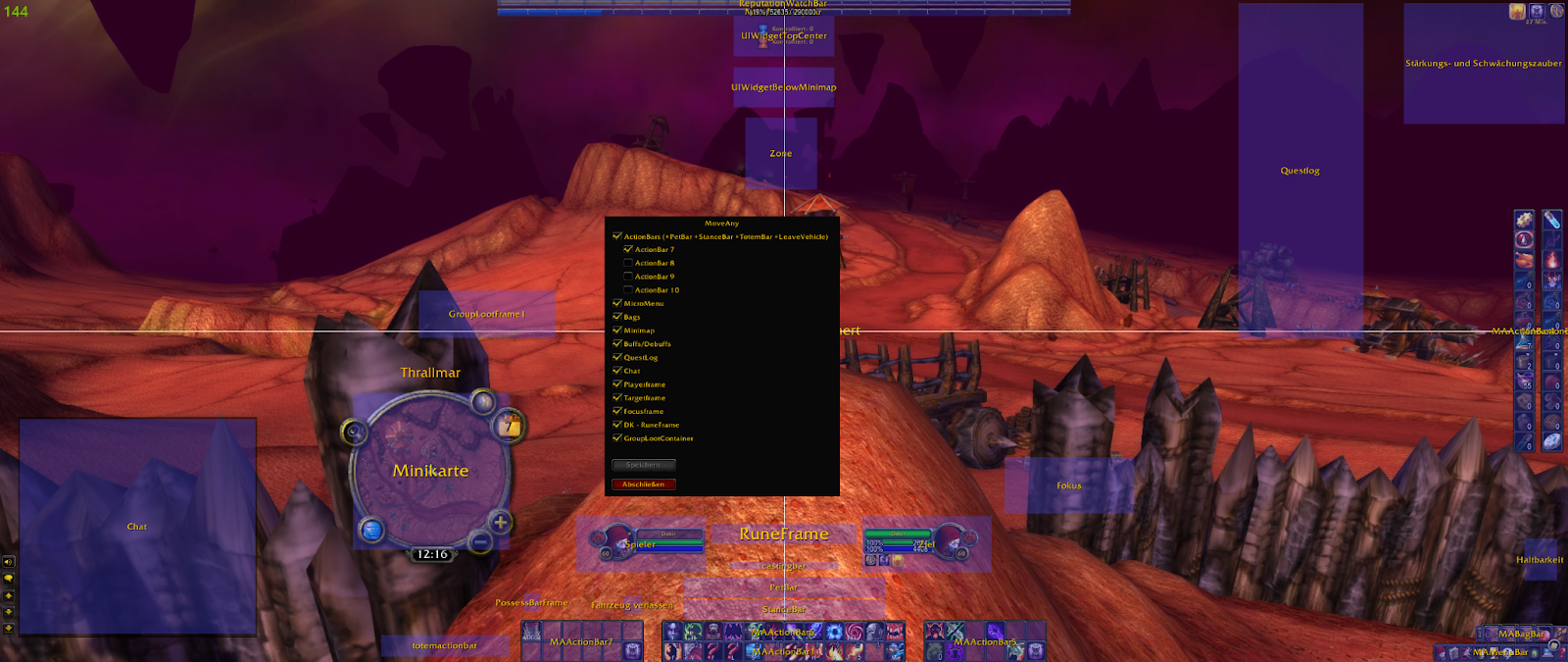
Left-click and drag to move any UI element anywhere. Right-click and drag to scale it. Lets you reposition anything literally in the WoW interface without touching a config file. Once you've used it, going back to a fixed layout feels impossible.
Conclusion
WoW addons aren't just cosmetic upgrades — the right ones genuinely change how you play, how fast you learn fights, and how much information you have at any given moment. Midnight changed the rules, but the addon ecosystem adapted fast, and what's left is still very much worth using.
Start with the base settings, add DBM or BigWigs for instanced content, and throw in Details! and Better Character Panel, and build from there based on what you actually need. You don't have to install everything at once — pick what fits your playstyle and add more as you get comfortable.
If you're coming back to World of Warcraft after a break or want to jump straight into end-game content without grinding through the early levels, Goranked has WoW accounts ready to go so you can skip straight to the content that actually matters.
Daha fazlasını oku
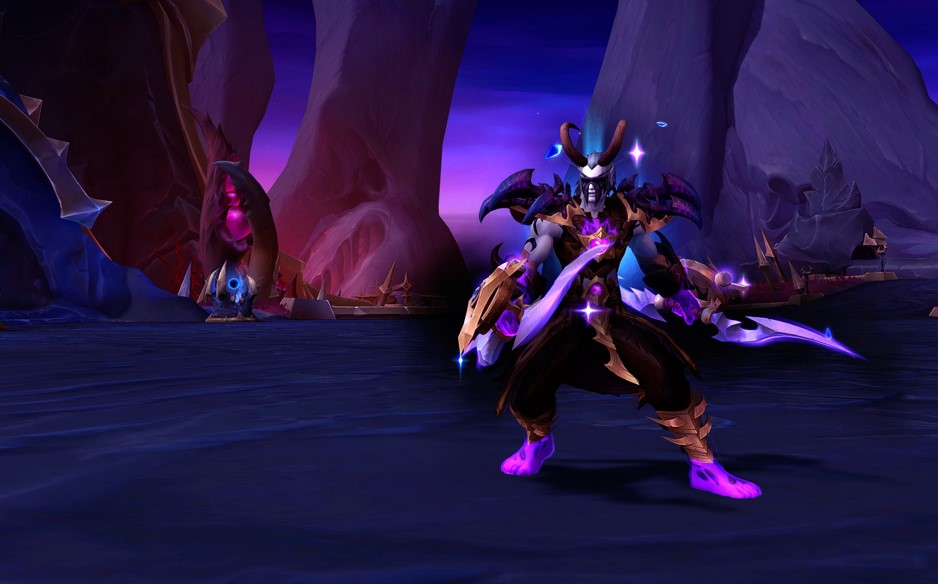


WoW Patch 12.0.5 – Key Features, Class Changes, and What to Expect
WoW Patch 12.0.5 brings Void Assaults, the Voidforge system, class changes, and new activities. Learn how this World of Warcraft update reshapes gearing, gameplay, and the meta.

Dota 2 Patch 7.41: Why Valve Removed Aspects and What It Means for the Game
Dota 2 Patch 7.41 removes aspects, reshaping hero balance, drafting, and gameplay flow. Learn what changed, why Valve did it, and how the new Dota 2 meta works.


Fortnite Cheat Codes & Console Commands (2026): What Actually Works
Looking for Fortnite cheat codes in 2026? Learn which codes actually work, how to redeem them, where to find legit Fortnite codes, and how to avoid scams and fake cheats.
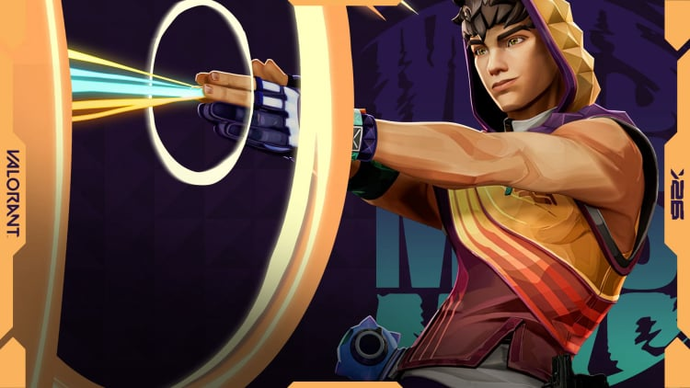

Miks Valorant Guide — All Abilities, Role, Best Teammates, and How To Play
Miks is Valorant's 30th agent and the first Controller who can heal. Here's a full breakdown of every ability, when to use each mode, and how to get the most out of him in ranked.
Dota 2 Patch 7.41 — All New Items, Neutral Items, and Tier List
Patch 7.41 added 9 new shop items and 8 neutral items to Dota 2. Here's what every item does, who should buy it, and which neutral items are actually worth picking up.
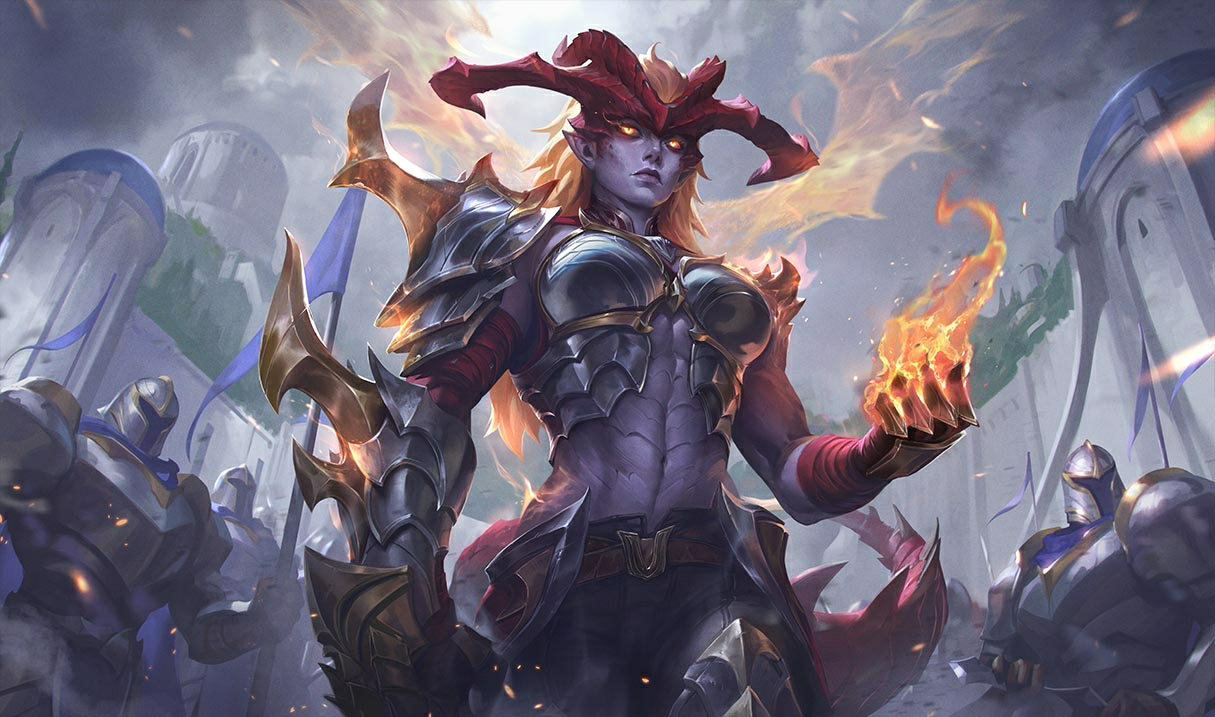

Shyvana Rework 2026 — New Abilities, Best Build, Skins, and Meta Impact
Shyvana's VGU finally landed in patch 26.6. New kit, new look, new dragon form that actually feels like a dragon.


Makaleye yorumlar
Henüz yorum yok. İlk siz olun!
Yorum bırak