


 Boost rating


 In-game currency


 Perplexity
 ChatGPT
 Grok
Grok
 Claude
 Post on Reddit
Enhance your gaming experience with our services
Get the most out of your game with professional solutions

Best settings for CS2: how to effectively boost FPS
You’ve probably already heard that CS settings for FPS work wonders. They speed up scene rendering and increase your chances of spotting an enemy before they see you.
For shooters like CS2, FPS matters for several reasons:
It really helps you win.
It improves player reaction.
It increases shooting accuracy.
How to increase FPS in CS? Let’s find out below.
How to enable FPS display in CS2
Not sure how to speed up CS? But how are you measuring FPS in-game? Exactly. First, you need to enable frame-per-second display and monitor the numbers for a while. There are several ways to do this:
Enable display through the console using the command
cl_showfps 1, where 0 is off and 1 is on.Use third-party software such as MSI Afterburner + RivaTuner Statistics Server (RTSS), NVIDIA GeForce Experience, Steam FPS Counter.
But remember that overlays can violate game rules and affect performance, so it’s better to use the built-in counter. If you see values below 100 FPS, it’s time to optimize the game.
FPS tuning in CS is not a very complicated task. Below, we’ll look at ways to optimize graphics for the fastest rendering.
Optimal graphics settings for CS2
How to stabilize FPS in CS GO? First, you need to understand what affects the frame rate the most. For example:
PC power, especially memory speed, graphics card, processor.
Internal game settings, even on relatively weak PCs.
Earn for the first yourself, and we’ll help with the second. For maximum framerate boost, use the following settings:
Display mode: Fullscreen.
Resolution: minimal but comfortable (optimal is 1280x960 or 1024x768).
Render scale: 75–100% (the lower, the higher the FPS).
Vertical sync: Off.
FPS cap: Off.
Additional graphics settings:
Player shadows: High (important for gameplay).
Everything else – Low/Off.
You can also use Steam launch options with the following commands:-high -novid -nojoy +cl_forcepreload 1 +fps_max 0 -tickrate 128
If your system is relatively powerful, adjust settings as you prefer. Good hardware can deliver 300–400 FPS even on ultra settings.
Now you know how to set up graphics in CS, but what about additional optimization? Let’s explore.
Graphics card settings for maximum FPS
How to tune FPS in CS using graphics card settings? Let’s look at examples for Nvidia and AMD.
Nvidia
Open NVIDIA Control Panel → Manage 3D settings
Set the following:
Power management mode → Prefer maximum performance
Preferred refresh rate → Highest available
Texture filtering – quality → High performance
Vertical sync (V-Sync) → Off
AMD
Open AMD Radeon Settings
Go to Gaming → Global Settings
Set the following:
GPU workload mode → Maximum performance
Anisotropic filtering → Off
Wait for vertical refresh → Always off
Remember, the best settings for CS GO are the ones you feel comfortable playing with, without FPS drops. The recommendations above are mainly for relatively weak PCs. Modern hardware delivers consistently high framerates by default, though it still needs some tweaking to improve framerate and responsiveness.
More to read


WoW Patch 12.0.5 – Key Features, Class Changes, and What to Expect
WoW Patch 12.0.5 brings Void Assaults, the Voidforge system, class changes, and new activities. Learn how this World of Warcraft update reshapes gearing, gameplay, and the meta.

Dota 2 Patch 7.41: Why Valve Removed Aspects and What It Means for the Game
Dota 2 Patch 7.41 removes aspects, reshaping hero balance, drafting, and gameplay flow. Learn what changed, why Valve did it, and how the new Dota 2 meta works.

Fortnite Cheat Codes & Console Commands (2026): What Actually Works
Looking for Fortnite cheat codes in 2026? Learn which codes actually work, how to redeem them, where to find legit Fortnite codes, and how to avoid scams and fake cheats.

Miks Valorant Guide — All Abilities, Role, Best Teammates, and How To Play
Miks is Valorant's 30th agent and the first Controller who can heal. Here's a full breakdown of every ability, when to use each mode, and how to get the most out of him in ranked.
Dota 2 Patch 7.41 — All New Items, Neutral Items, and Tier List
Patch 7.41 added 9 new shop items and 8 neutral items to Dota 2. Here's what every item does, who should buy it, and which neutral items are actually worth picking up.
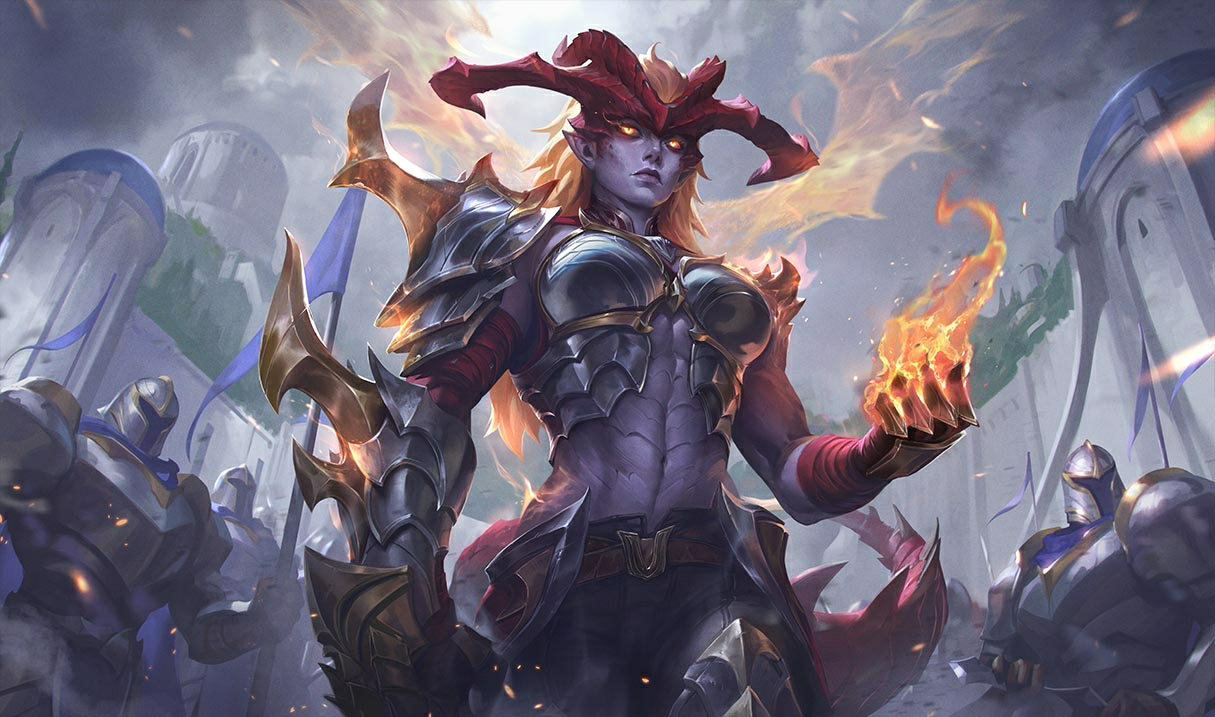

Shyvana Rework 2026 — New Abilities, Best Build, Skins, and Meta Impact
Shyvana's VGU finally landed in patch 26.6. New kit, new look, new dragon form that actually feels like a dragon.




Comments on the article
No comments yet. Be the first!
Leave a comment