


 Bewertung-Boost


 Spielwährung


 Perplexity
 ChatGPT
 Grok
Grok
 Claude
 Post on Reddit
Verbessern Sie Ihr Spielerlebnis mit unseren Dienstleistungen
Hol das Beste aus deinem Spiel heraus – mit professionellen Lösungen.

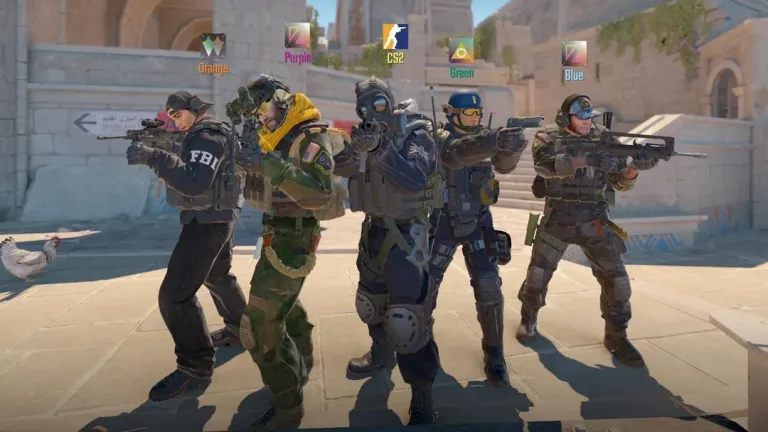
Best settings for CS2: how to effectively boost FPS
You’ve probably already heard that CS settings for FPS work wonders. They speed up scene rendering and increase your chances of spotting an enemy before they see you.
For shooters like CS2, FPS matters for several reasons:
It really helps you win.
It improves player reaction.
It increases shooting accuracy.
How to increase FPS in CS? Let’s find out below.
How to enable FPS display in CS2
Not sure how to speed up CS? But how are you measuring FPS in-game? Exactly. First, you need to enable frame-per-second display and monitor the numbers for a while. There are several ways to do this:
Enable display through the console using the command
cl_showfps 1, where 0 is off and 1 is on.Use third-party software such as MSI Afterburner + RivaTuner Statistics Server (RTSS), NVIDIA GeForce Experience, Steam FPS Counter.
But remember that overlays can violate game rules and affect performance, so it’s better to use the built-in counter. If you see values below 100 FPS, it’s time to optimize the game.
FPS tuning in CS is not a very complicated task. Below, we’ll look at ways to optimize graphics for the fastest rendering.
Optimal graphics settings for CS2
How to stabilize FPS in CS GO? First, you need to understand what affects the frame rate the most. For example:
PC power, especially memory speed, graphics card, processor.
Internal game settings, even on relatively weak PCs.
Earn for the first yourself, and we’ll help with the second. For maximum framerate boost, use the following settings:
Display mode: Fullscreen.
Resolution: minimal but comfortable (optimal is 1280x960 or 1024x768).
Render scale: 75–100% (the lower, the higher the FPS).
Vertical sync: Off.
FPS cap: Off.
Additional graphics settings:
Player shadows: High (important for gameplay).
Everything else – Low/Off.
You can also use Steam launch options with the following commands:-high -novid -nojoy +cl_forcepreload 1 +fps_max 0 -tickrate 128
If your system is relatively powerful, adjust settings as you prefer. Good hardware can deliver 300–400 FPS even on ultra settings.
Now you know how to set up graphics in CS, but what about additional optimization? Let’s explore.
Graphics card settings for maximum FPS
How to tune FPS in CS using graphics card settings? Let’s look at examples for Nvidia and AMD.
Nvidia
Open NVIDIA Control Panel → Manage 3D settings
Set the following:
Power management mode → Prefer maximum performance
Preferred refresh rate → Highest available
Texture filtering – quality → High performance
Vertical sync (V-Sync) → Off
AMD
Open AMD Radeon Settings
Go to Gaming → Global Settings
Set the following:
GPU workload mode → Maximum performance
Anisotropic filtering → Off
Wait for vertical refresh → Always off
Remember, the best settings for CS GO are the ones you feel comfortable playing with, without FPS drops. The recommendations above are mainly for relatively weak PCs. Modern hardware delivers consistently high framerates by default, though it still needs some tweaking to improve framerate and responsiveness.
Lesen Sie auch


WoW Patch 12.0.5 – Hauptmerkmale, Klassenänderungen und was zu erwarten ist
WoW Patch 12.0.5 bringt Leerenangriffe, das Leerenformungssystem, Klassenänderungen und neue Aktivitäten. Erfahre, wie dieses World of Warcraft-Update die Ausrüstung, das Gameplay und die Meta verändert.
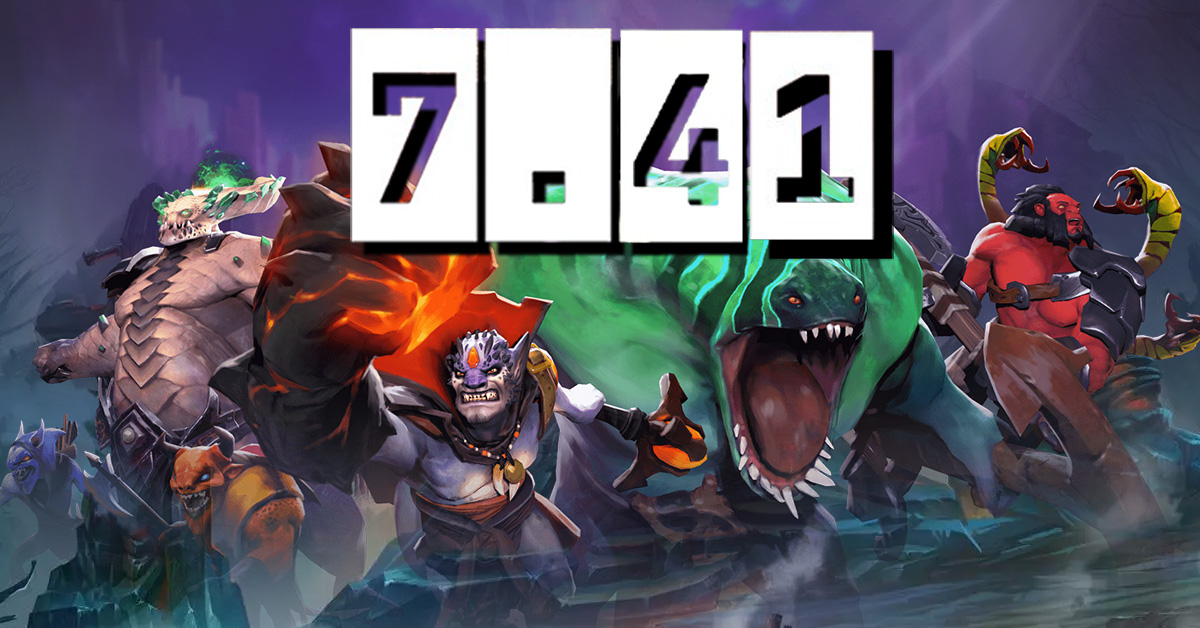

Dota 2 Patch 7.41: Warum Valve Aspekte entfernt hat und was das für das Spiel bedeutet
Dota 2 Patch 7.41 entfernt Aspekte, verändert das Gleichgewicht der Helden, das Drafting und den Spielfluss. Erfahre, was sich geändert hat, warum Valve es getan hat und wie das neue Dota 2 Meta funktioniert.
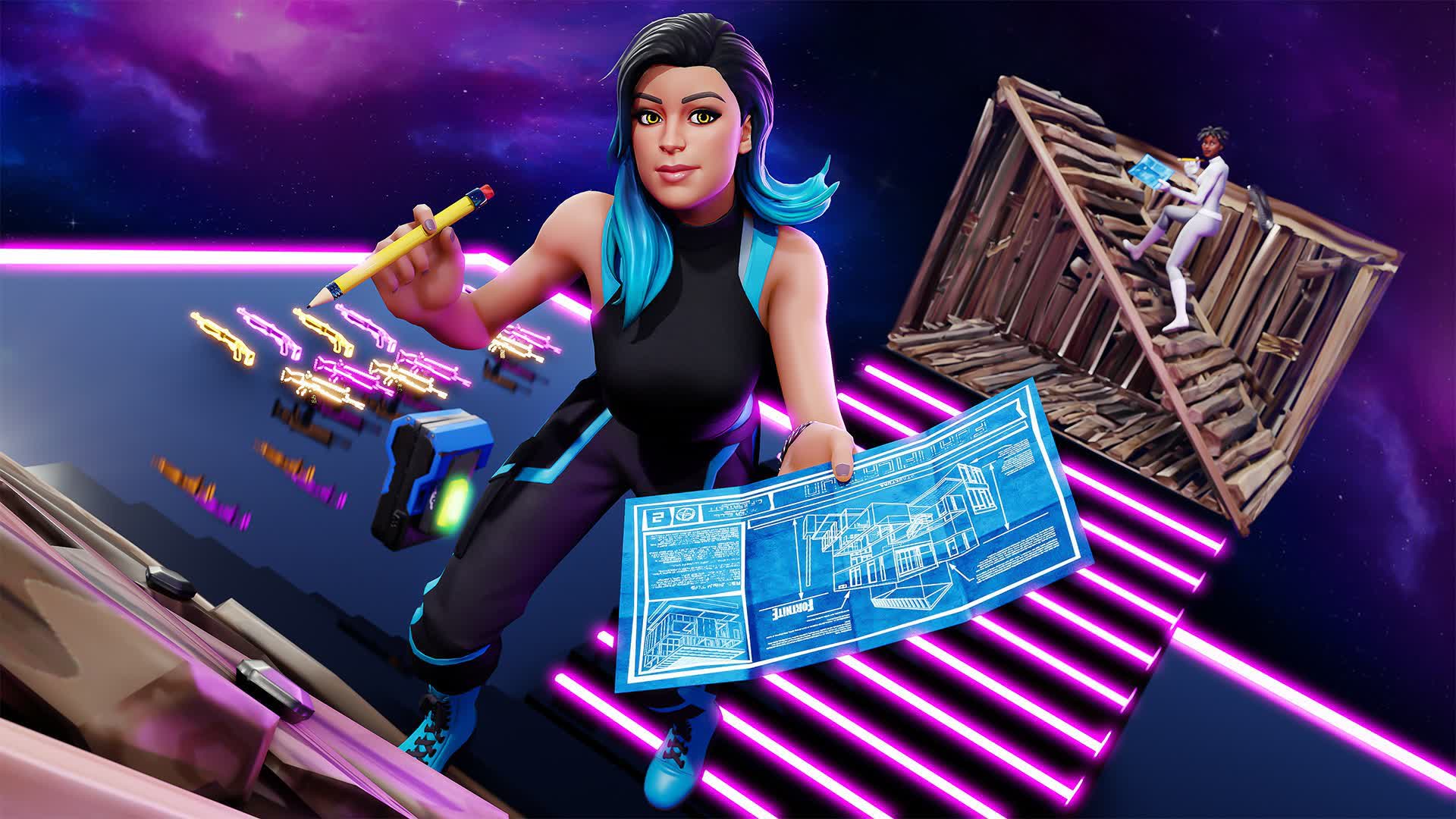

Fortnite Cheat-Codes & Konsolenbefehle (2026): Was tatsächlich funktioniert
Suchst du nach Fortnite-Cheatcodes im Jahr 2026? Erfahre, welche Codes tatsächlich funktionieren, wie du sie einlösen kannst, wo du legitime Fortnite-Codes findest und wie du Betrug und gefälschte Cheats vermeidest.
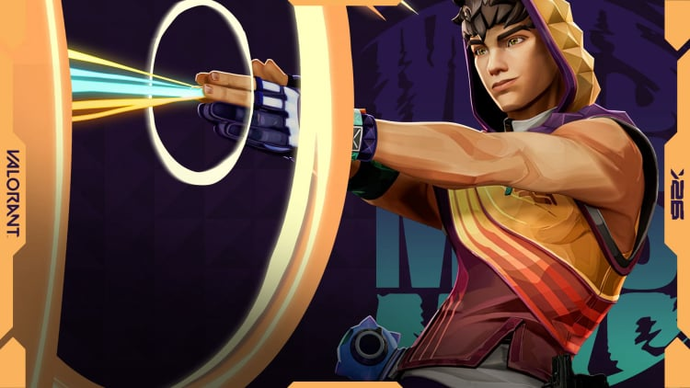

Miks Valorant Guide — Alle Fähigkeiten, Rolle, Beste Teamkollegen und Wie man spielt
Miks ist Valorants 30. Agent und der erste Controller, der heilen kann. Hier ist eine vollständige Übersicht über jede Fähigkeit, wann man welchen Modus verwendet und wie man das Beste aus ihm im Ranglistenspiel herausholt.
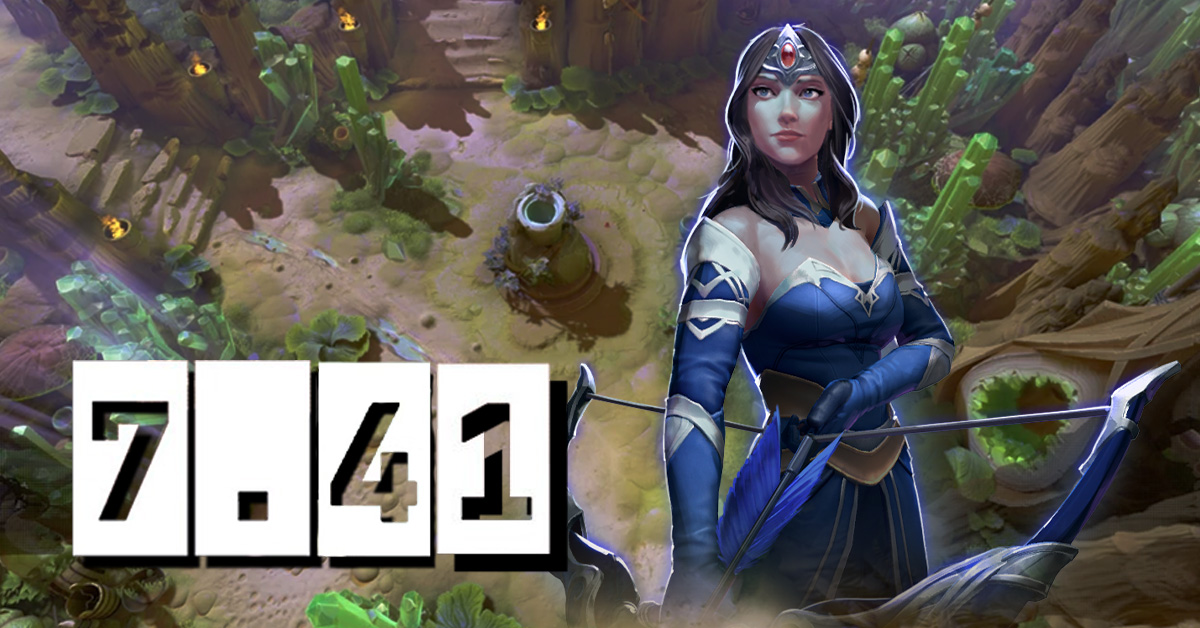
Dota 2 Patch 7.41 — Alle neuen Gegenstände, neutralen Gegenstände und Tier-Liste
Patch 7.41 hat 9 neue Shop-Items und 8 neutrale Items zu Dota 2 hinzugefügt. Hier ist, was jedes Item macht, wer es kaufen sollte und welche neutralen Items es wirklich wert sind, aufgehoben zu werden.
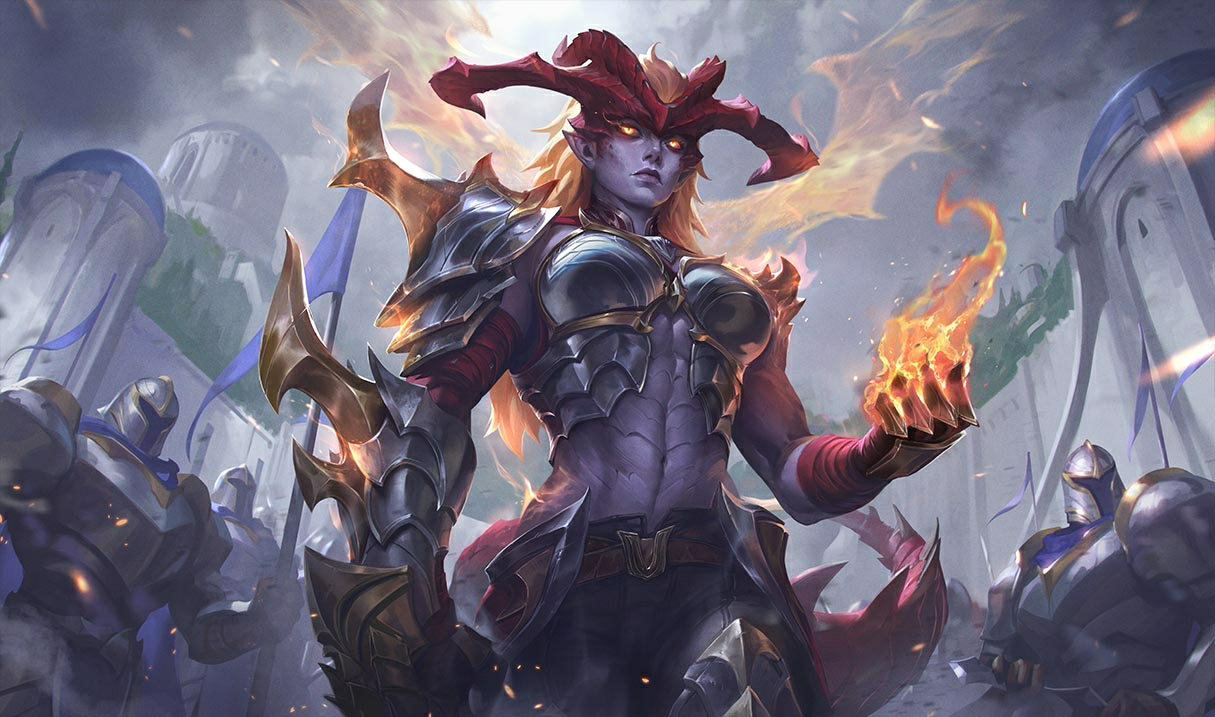

Shyvana-Überarbeitung 2026 — Neue Fähigkeiten, Beste Builds, Skins und Meta-Einfluss
Shyvanas VGU ist endlich in Patch 26.6 angekommen. Neues Kit, neuer Look, neue Drachenform, die sich tatsächlich wie ein Drache anfühlt.




Kommentare zum Artikel
Noch keine Kommentare. Sei der Erste!
Kommentar hinterlassen