


 Boost rating


 In-game currency


 Perplexity
 ChatGPT
 Grok
Grok
 Claude
 Post on Reddit
Fortnite Mods Download & Skin Customization Guide
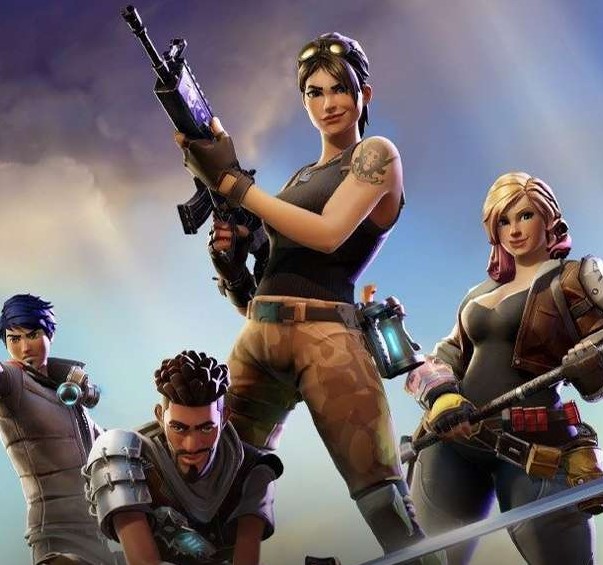
Fortnite has one of the most popular skin systems in online gaming, which is why many players look for ways to customize the experience beyond official options. Interest in Fortnite mods usually focuses on visual changes, experimental mechanics, or performance tweaks that alter how the game looks locally. However, modding in Fortnite is controversial because the game runs on secure online servers and is protected by anti-cheat systems. Some players who want access to rare skins instead choose legitimate options, such as buying Fortnite accounts with skins through platforms like Goranked.
What Are Fortnite Mods
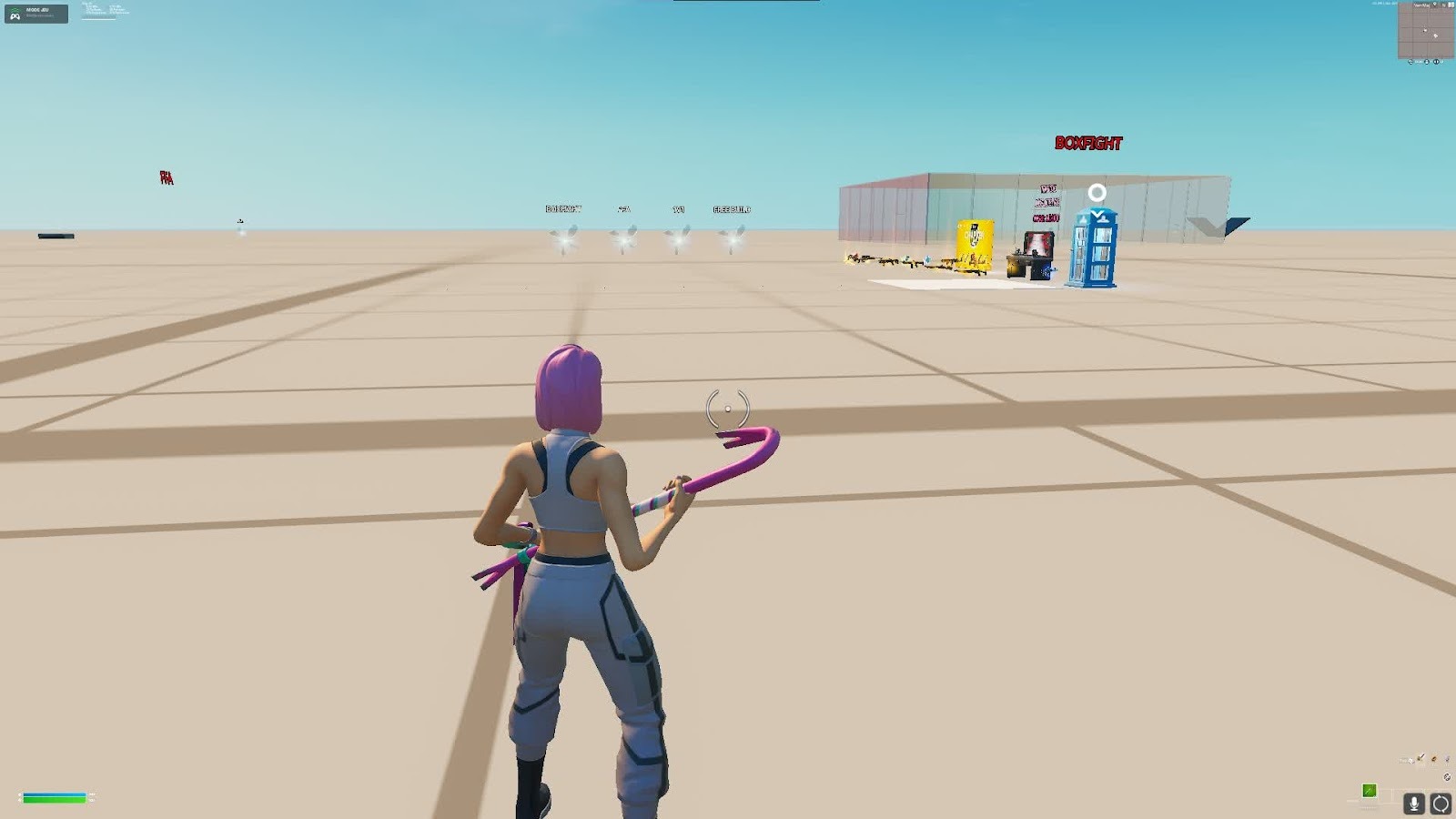
Fortnite mods are unofficial modifications created by players that change certain elements of the game. These changes can affect visuals, interface behavior, or sometimes gameplay-related features. Unlike traditional PC games that allow open modding tools, Fortnite does not support external modifications directly.
Most Fortnite mod users focus on visual changes. A common example is a skin swap, where a player replaces a texture locally to make their character appear in another outfit. This does not unlock the skin on the account and usually only changes how the game appears on that player's screen. Where Mods Appear in Fortnite
Types of Fortnite Mods
Even with the restrictions around modding, the community still experiments with several categories of Fortnite mods. Most modifications focus on visual adjustments or client-side tweaks rather than real gameplay changes. The most common types include:
Skin Mods: Fortnite skin mods are the most searched modifications. These mods replace character textures locally so a player can see a different skin during matches. Many players use them to preview rare outfits or test different character styles.
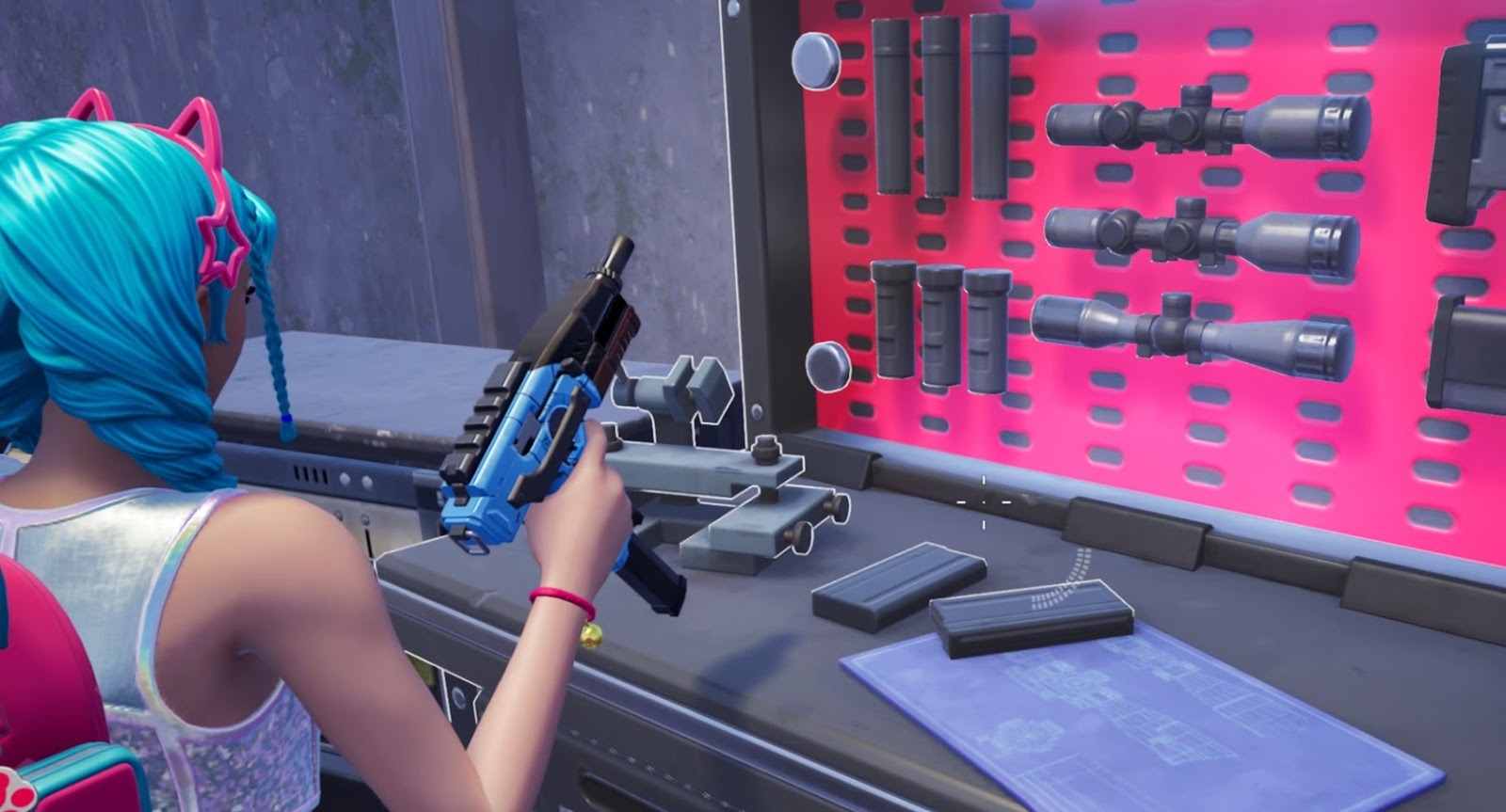
Weapon Mods: Some Fortnite mods attempt to change weapon models, visual effects, or sound files. In practice, these modifications rarely function in online matches because weapon data in Fortnite is controlled by the server.
UI Mods: Interface modifications adjust elements like crosshairs, color filters, or HUD layout. These tweaks are usually aimed at improving visibility and making the screen clearer during fights.
Performance Tweaks: Certain mods Fortnite players discuss are actually configuration edits that improve frame rate. These adjustments reduce graphical load or modify rendering settings, which can help weaker systems run Fortnite more smoothly.
Where to Find and Download Fortnite Mods
Players searching for Fortnite mods download usually look for community platforms where modders share tools, experiments, or visual swaps. However, because Fortnite does not officially support mods, most files found online should be treated carefully. Some of the most common places where Fortnite mods or mod concepts appear include:
GitHub: Developers sometimes publish open-source projects related to Fortnite mods, such as experimental tools or file viewers. GitHub is considered one of the safest places because users can inspect the code and see how the project works.
GameBanana: GameBanana is a well-known modding community where users share modifications for many games. Some creators upload Fortnite skin mods or visual experiments here, although availability changes frequently.
Reddit (r/FortniteCreative and r/FortNiteBR): Reddit communities often share guides, discussions, and links to mods for Fortnite tools. Many posts focus on Creative mode experiments rather than direct downloads.
Discord Modding Communities: Certain Fortnite modding groups operate through Discord servers where modders exchange tools, discuss file structures, and share tutorials.
Even when using these sources, players should always scan downloads and avoid tools that request Epic Games login credentials. Many websites advertising Fortnite mods download are actually scams.
Fortnite Mods Legality and Epic Games Policy
Epic Games maintains strict control over modifications in Fortnite. According to the company’s policies, altering the game client or injecting third-party code can violate the terms of service. Epic generally distinguishes between two types of content:
Unauthorized modifications – external tools that change how Fortnite operates or interacts with servers.
User-generated content – maps and experiences created through official tools such as Creative mode or UEFN.
The second category is fully supported. Creative tools allow players to build custom maps, design mechanics, and script gameplay using approved systems. These projects are moderated and published within the official ecosystem.
By contrast, downloading external Fortnite mods that modify the core game client can result in penalties. Anti-cheat software continuously monitors unusual behavior to protect competitive matches.
Risks of Downloading Fortnite Mods
Searching for Fortnite mods downloads can expose players to several security and account risks. Unlike traditional modding communities, the Fortnite ecosystem does not have widely trusted distribution hubs. Common risks include:
Malware disguised as mods: Some installers contain hidden software designed to steal personal information or install unwanted programs.
Account phishing: Fake websites may ask players to log in with Epic Games credentials in order to “activate” mods for Fortnite tools.
Anti-cheat detection: Programs that interact with the Fortnite client can trigger anti-cheat systems such as Easy Anti-Cheat or BattlEye.
Fake skin unlockers: Many tools claiming to unlock rare skins simply do not work. In many cases, they exist only to collect data or distribute malware.
Because Fortnite runs on secure servers, any modification promising free skins or gameplay advantages should be treated with extreme caution.
Fortnite Mods Aimbot and Competitive Integrity
One of the most controversial categories of Fortnite mods is the aimbot. These programs attempt to automate aiming by locking onto enemy targets or reducing recoil automatically.
Using Fortnite mods with an aimbot breaks the fundamental competitive rules of the game. Battle Royale matches depend on player skill, reaction time, and positioning. Automated aiming removes that skill factor entirely.
Epic Games actively enforces bans against players using cheating tools. Their anti-cheat systems monitor unusual aiming patterns, abnormal hit rates, and suspicious software activity running alongside Fortnite. Players detected using aimbots or similar cheats can face:
Permanent account bans
Removal from tournaments
Loss of purchased skins and progression
Fortnite Weapons Mods in Creative Mode
While external mods are restricted, Fortnite does allow controlled customization through Creative mode and Unreal Editor for Fortnite (UEFN). These tools give map creators limited ways to simulate modified weapons. Using built-in devices and scripting systems, creators can:
Adjust weapon damage in custom maps
Change reload speeds or cooldowns
Create special rule sets for mini-games or arenas
For example, a Creative map might feature sniper rifles that eliminate opponents with a single shot or shotguns with different spread patterns. These changes exist only inside the custom map environment.
Conclusion
Interest in Fortnite mods continues to grow as players look for new ways to customize the game or experiment with different mechanics. Skin swaps, UI tweaks, and performance adjustments are some of the most common topics discussed within the community.
At the same time, Fortnite is built around a secure online ecosystem where external modifications can easily trigger anti-cheat systems. Downloading unknown tools, especially those promising free skins or gameplay advantages, carries real risks.
For players who want creative freedom without violating the rules, Epic’s official tools, such as Creative mode and UEFN, provide the safest path. These systems allow the community to build custom experiences while keeping the competitive environment of Fortnite fair for everyone.
More to read


WoW Patch 12.0.5 – Key Features, Class Changes, and What to Expect
WoW Patch 12.0.5 brings Void Assaults, the Voidforge system, class changes, and new activities. Learn how this World of Warcraft update reshapes gearing, gameplay, and the meta.

Dota 2 Patch 7.41: Why Valve Removed Aspects and What It Means for the Game
Dota 2 Patch 7.41 removes aspects, reshaping hero balance, drafting, and gameplay flow. Learn what changed, why Valve did it, and how the new Dota 2 meta works.

Fortnite Cheat Codes & Console Commands (2026): What Actually Works
Looking for Fortnite cheat codes in 2026? Learn which codes actually work, how to redeem them, where to find legit Fortnite codes, and how to avoid scams and fake cheats.
Miks Valorant Guide — All Abilities, Role, Best Teammates, and How To Play
Miks is Valorant's 30th agent and the first Controller who can heal. Here's a full breakdown of every ability, when to use each mode, and how to get the most out of him in ranked.
Dota 2 Patch 7.41 — All New Items, Neutral Items, and Tier List
Patch 7.41 added 9 new shop items and 8 neutral items to Dota 2. Here's what every item does, who should buy it, and which neutral items are actually worth picking up.

Shyvana Rework 2026 — New Abilities, Best Build, Skins, and Meta Impact
Shyvana's VGU finally landed in patch 26.6. New kit, new look, new dragon form that actually feels like a dragon.



Comments on the article
No comments yet. Be the first!
Leave a comment