


 Zwiększanie rankingu


 Waluta w grze


 Perplexity
 ChatGPT
 Grok
Grok
 Claude
 Post on Reddit
Popraw swoje wrażenia z gry dzięki naszym usługom
Wykorzystaj pełen potencjał gry dzięki profesjonalnym rozwiązaniom
Przeczytaj także
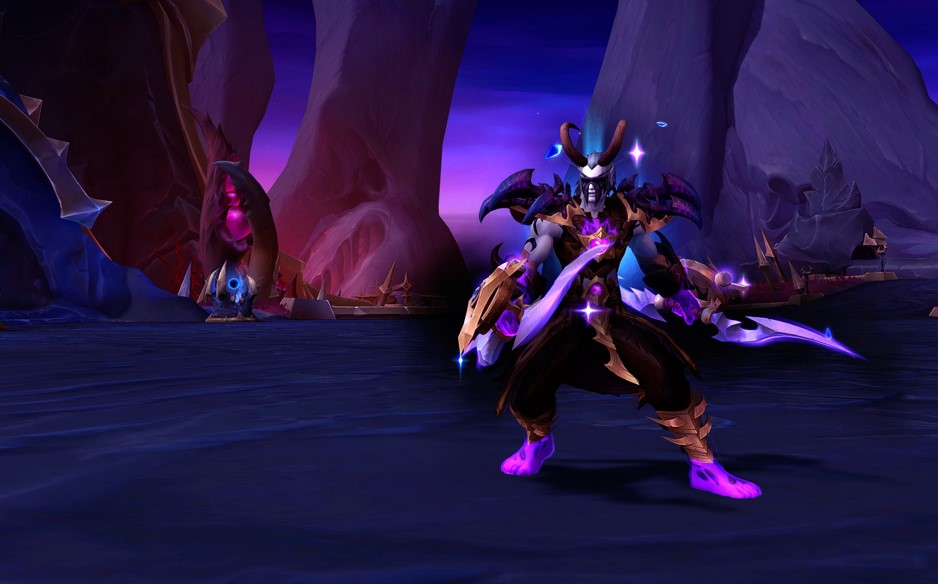


Patch 12.0.5 do WoW – Kluczowe funkcje, zmiany klas i czego się spodziewać
Patch 12.0.5 do WoW wprowadza Ataki Pustki, system Voidforge, zmiany klas oraz nowe aktywności. Dowiedz się, jak ta aktualizacja World of Warcraft zmienia wyposażenie, rozgrywkę i metę.
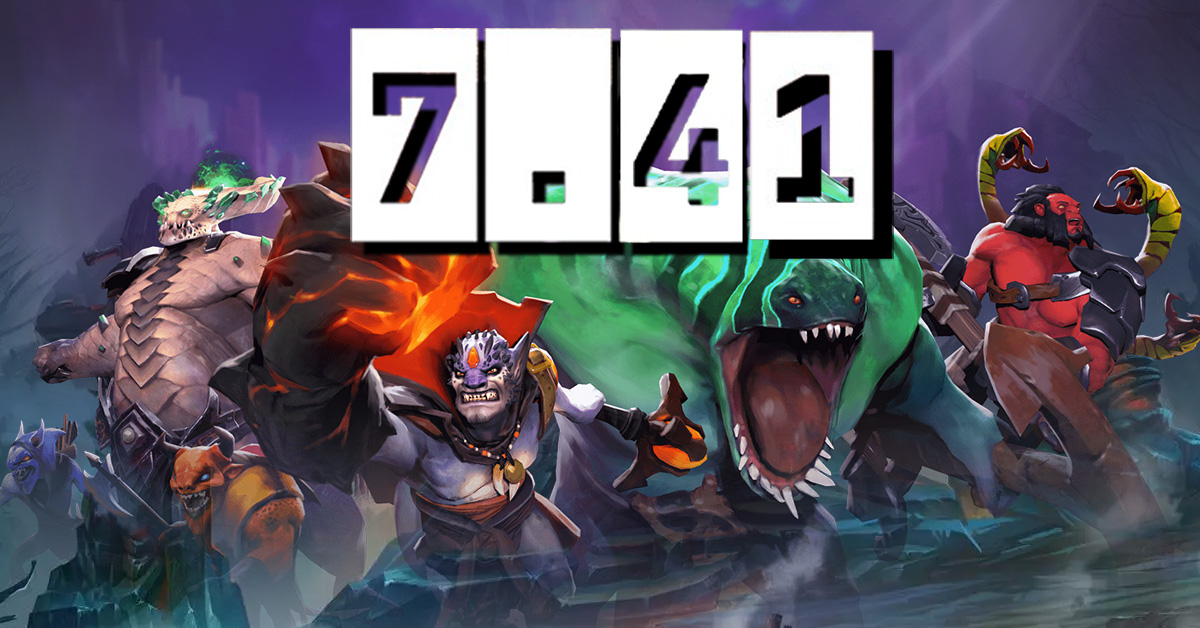

Dota 2 Patch 7.41: Dlaczego Valve usunęło aspekty i co to oznacza dla gry
Aktualizacja Dota 2 7.41 usuwa aspekty, przekształcając równowagę bohaterów, draftowanie i przebieg rozgrywki. Dowiedz się, co się zmieniło, dlaczego Valve to zrobiło i jak działa nowa meta Dota 2.
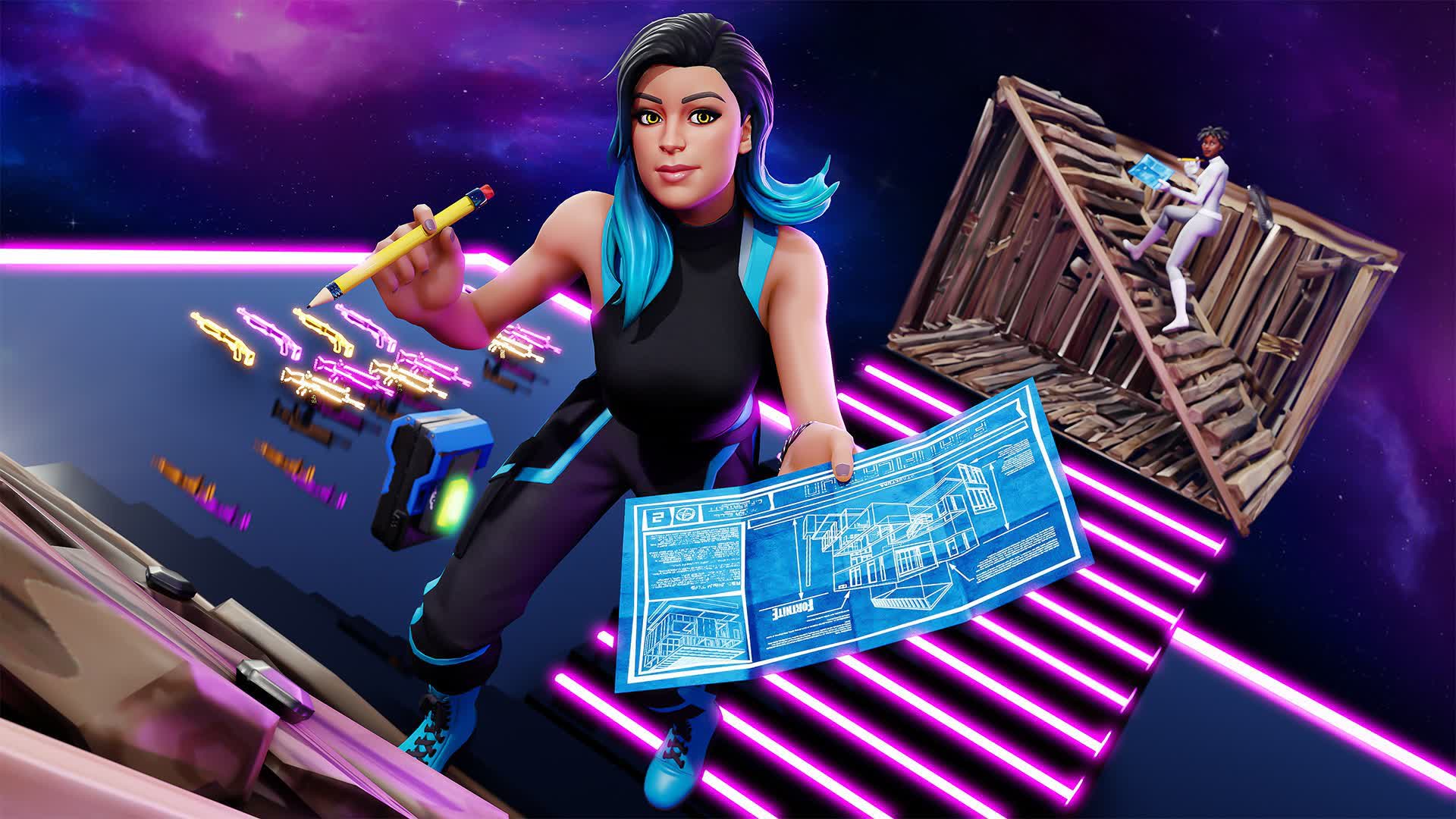

Kody cheatów i komendy konsoli do Fortnite (2026): Co faktycznie działa
Szukasz kodów cheat do Fortnite w 2026 roku? Dowiedz się, które kody faktycznie działają, jak je zrealizować, gdzie znaleźć legalne kody do Fortnite oraz jak unikać oszustw i fałszywych cheatów.
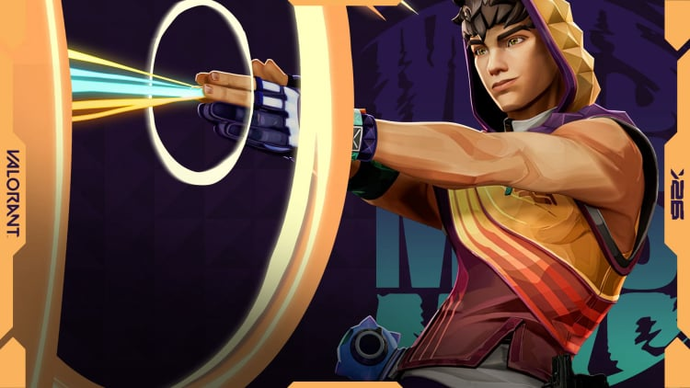

Przewodnik Miks Valorant — Wszystkie umiejętności, rola, najlepsi współpracownicy i jak grać
Miks jest 30. agentem w Valorant i pierwszym Kontrolerem, który potrafi leczyć. Oto pełny opis każdej umiejętności, kiedy używać każdego trybu i jak najlepiej wykorzystać go w rozgrywkach rankingowych.
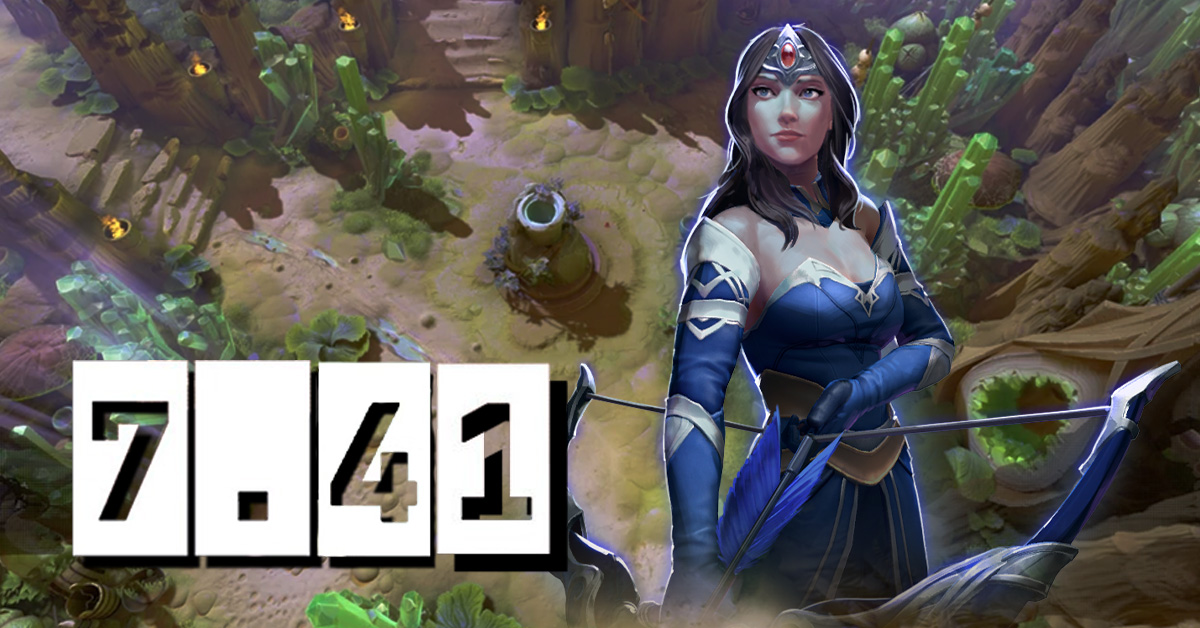
Dota 2 Patch 7.41 — Wszystkie Nowe Przedmioty, Przedmioty Neutralne i Lista Tierów
Patch 7.41 dodał 9 nowych przedmiotów do sklepu i 8 przedmiotów neutralnych do Dota 2. Oto, co robi każdy przedmiot, kto powinien go kupić i które przedmioty neutralne naprawdę warto podnieść.
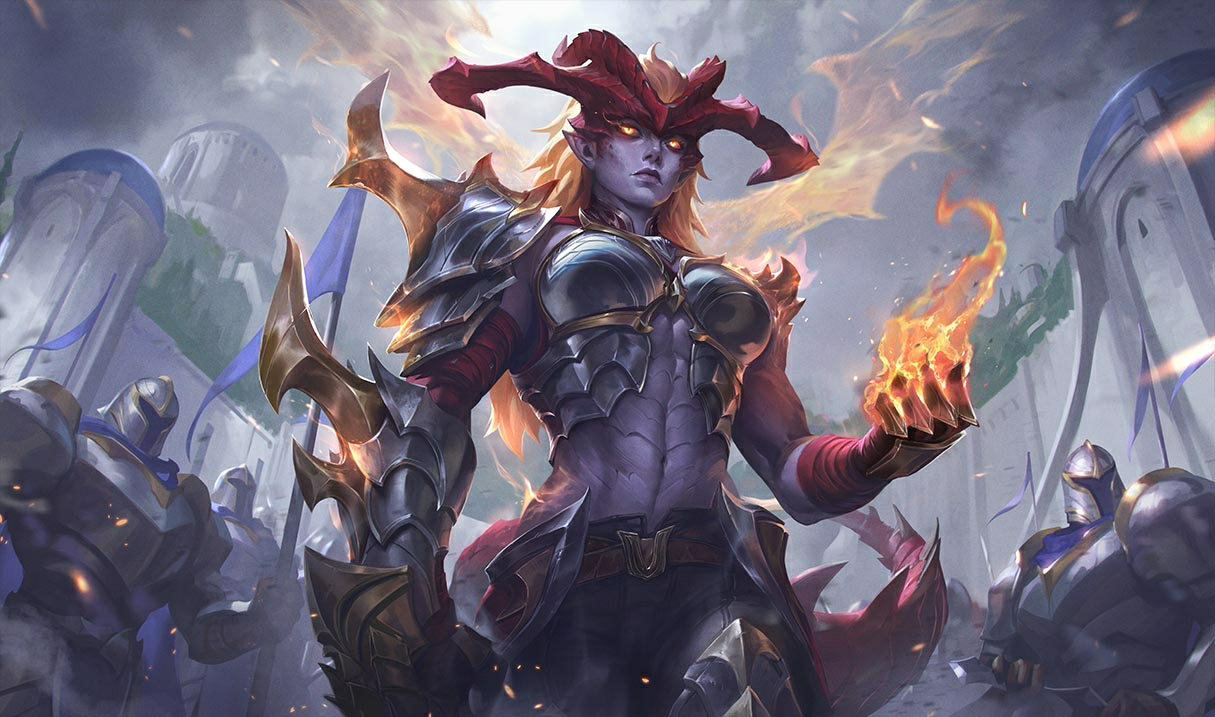

Przeróbka Shyvany 2026 — Nowe Umiejętności, Najlepsze Buildy, Skórki i Wpływ na Metę
VGU Shyvany w końcu pojawiło się w patchu 26.6. Nowy zestaw umiejętności, nowy wygląd, nowa forma smoka, która faktycznie przypomina smoka.


Komentarze do artykułu
Na razie brak komentarzy. Bądź pierwszy!
Dodaj komentarz